
Best Practices for Designing High-Scanning QR Codes
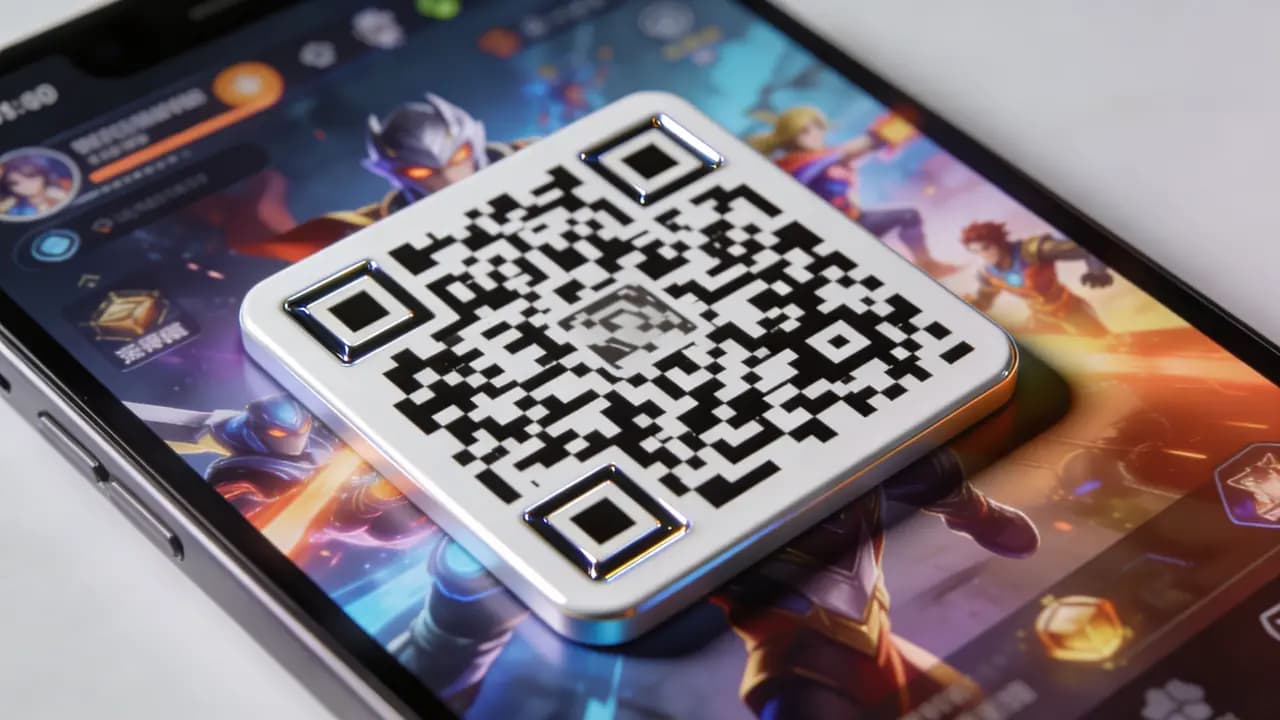
Generating a QR code is easy. Making one that scans instantly in real conditions: bad lighting, awkward angles, a cheap phone camera - is where most of them fall short. A poorly designed QR code means missed scans, lost traffic, and people who don't bother trying a second time. A well-designed one is invisible: someone points their camera, and it just works.
1. Focus on Contrast, Over Everything
Contrast is the single most important factor for scanability. If a scanner can't find the edges, it won't read the code - regardless of everything else.
- Use a dark code on a light background
- Avoid light-on-light combinations (gray on white, for example)
- Don't place QR codes on busy or patterned backgrounds
2. Don't Let Design Get in the Way of Functionality
Customizing a QR code can make it look more appealing and on-brand, but there's a fine line between enhancing a design and making the code difficult to scan. One of the most common mistakes is treating a QR code like a piece of artwork instead of a functional tool.
When customizing your code, avoid heavily distorted patterns, overly decorative shapes, or design elements that change the core structure of the code. Be cautious with complex gradients and excessive color combinations, as they can reduce contrast and make scanning less reliable. Logos can be a great branding touch, but placing a large logo in the center removes part of the code's readable area and reduces the margin for error correction. An easy way to stay inside these limits is to build the code in an editor that warns you as you go - the custom QR code editor runs a live scannability check on every change.
The general rule is simple: customize with restraint. A QR code should still look like a QR code. The more dramatic the design changes, the greater the risk that some devices will struggle to scan it. Older phone cameras and third-party scanner apps are far less forgiving than the latest iPhone, and those are exactly the devices you never get to test on.
3. Keep an Appropriate "Quiet Zone"
Every QR code needs empty space around it - this is called the quiet zone. Without that margin, scanners often fail to detect where the code starts and ends.
- Minimum 4 modules (the small squares) on each side
- Nothing touching the edges: no text, images, or borders
4. Use the Right Size for Context
Size directly affects whether someone can scan from where they're standing.
General guideline:
- Minimum size: ~2 x 2 cm for close-range scanning
- For posters or billboards: scale up relative to viewing distance
- Rule of thumb: scanning distance / 10 = minimum QR code size
5. Test Your Code On Different Devices
Don't assume your QR code works just because it scanned once on your phone. One scan on one device proves almost nothing. Test it on both iOS and Android, in different lighting, and from the distances and angles real users will actually have.
What scans instantly in your hand at the perfect angle can fail completely on a colleague's older Android across the table. One failed scan is usually all it takes for people to give up, so test before anything goes to print.
6. Optimize the Destination, Not Only the Code
A perfectly designed QR code won't deliver results if the destination behind it creates a poor experience. Many businesses spend time optimizing the code itself but forget that the real goal is what happens after the scan. If users land on a slow, confusing, or broken page, it doesn't matter how easily the QR code scanned - they're likely to leave.
That's why the destination should always be mobile-friendly, load quickly, and work flawlessly across different devices. Before launching any campaign, test every link, form, download, and button to make sure everything functions as expected.
You can see this principle in action with games like Genshin Impact and Fortnite. When players scan a QR code for an event, reward, or promotion, they're typically taken directly to a dedicated mobile-optimized page where they can immediately claim the reward or access the content. The process is fast and frictionless because the developers understand that every extra second of loading time increases the chance that a player abandons the experience.
7. Use Dynamic QR Codes Where Possible
Dynamic codes give you flexibility that static codes don't.
- Edit the destination without reprinting
- Track scan data: location, device type, time
For anything marketing-related or time-sensitive, dynamic is the better default. (Not sure which you need? Compare static vs dynamic QR codes.)
8. Add a Clear Call-to-Action
People rarely scan QR codes just because they happen to notice them. Most need a clear incentive and want to know exactly what they'll get before pulling out their phone. That's why a strong call-to-action (CTA) can significantly increase scan rates. Instead of displaying a QR code with no context, tell users what's waiting on the other side.
Simple messages such as "Scan to get 20% off," "Scan to watch the demo," or "Scan to unlock your reward" remove uncertainty and make the value immediately obvious.
Many successful brands and games already use this approach. For example, Genshin Impact frequently promotes event rewards and exclusive content with clear instructions that tell players exactly what they can claim. Similarly, Pokémon GO often encourages players to scan or visit linked content for event participation, bonuses, or community activities. Outside gaming, brands like Coca-Cola commonly place QR codes on packaging with offers, contests, or promotional rewards, making the benefit clear before customers scan.
A QR code by itself is just a pattern of squares; nobody owes it a scan. The same code with "Scan to claim your free reward" printed next to it gives a person an actual reason to point the camera.
Contrast, size, placement, quiet zone, destination speed: boring checklist, real consequences. If your code takes more than a second to scan, something in that list needs fixing - and our guide to why a QR code isn't scanning walks through each fix in order.
When you're ready to put these rules into practice, you can create a QR code for free and test it right away.