
Why Your QR Code Isn't Scanning (And How to Fix It)
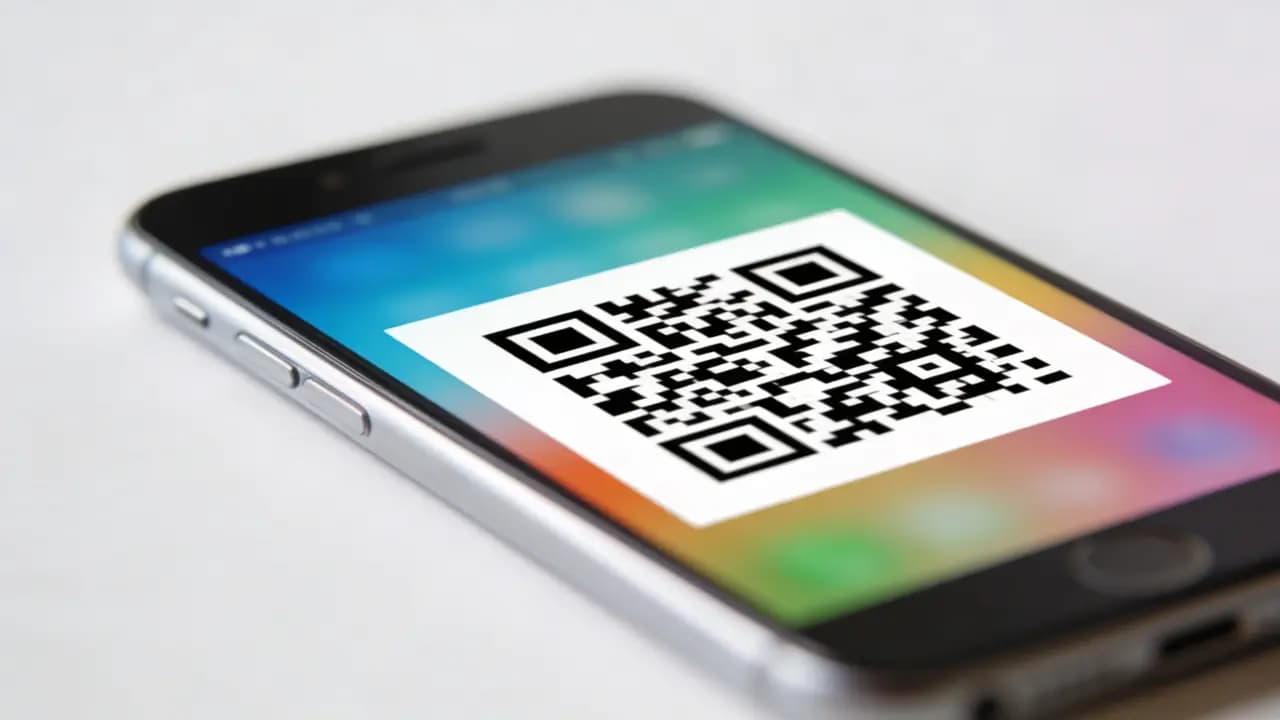
QR codes should be frictionless: point, scan, done. When they don't work, most people don't troubleshoot - they just move on. Every failed scan is a user you lost without knowing it. If your QR code isn't scanning reliably, there's a specific reason. Here's how to find it and fix it.
1. Low Contrast Between Code and Background
The issue is that your QR code blends into the background, making it difficult for scanners to recognize the pattern - basically, the scanner is staring at it with the same confusion we feel when reading furniture assembly instructions.
To fix this, use a dark code on a light background, avoid color combinations with similar brightness levels, such as light gray on white, and don't place the QR code over busy images, gradients, or visual chaos. Contrast is the first thing to check when a code won't scan, because even the smartest QR code won't work if people need a magnifying glass to find it.
2. QR Code Is Too Small
Problem: If the code is too small, cameras can't capture enough detail to decode it.
Fix:
- Minimum 2 x 2 cm for close-range scanning
- Scale up for posters, packaging, or billboards
- Rule of thumb: viewing distance / 10 = minimum size
3. Missing Quiet Zone (Padding)
Problem: Too little empty space around the code means scanners can't find its edges.
Some tips:
- Add a clear margin around the code
- At least 4 modules of empty space on each side
- No text or images cutting into that border
Even a technically correct code will fail without enough breathing room around it.
4. Bad Design
Problem: Too many visual effects, such as colors, shapes, logos, can break the underlying structure.
Here are some tips on how to change this:
- Keep the design clean and functional
- Avoid heavy distortion or styling
- If adding a logo, set error correction to high
There's nothing wrong with making it look good, but the scan has to come first.
5. Poor Print Quality or Resolution
Problem: Blurry, pixelated, or stretched QR codes are hard to decode.
How to fix:
- Export as SVG for anything going to print
- Don't stretch or compress the image
- Print on flat, clean surfaces
- Use short URLs
- Avoid embedding large blocks of text
- Switch to a dynamic QR code to keep the structure simple
6. Bad Lighting or Glare
Reflections, shadows, or poor lighting can get in the way of scanning your QR code, and suddenly the scanner acts like it's trying to read a menu in a candlelit restaurant.
To avoid this, place your codes in well-lit areas where they're easy to see, and always test them under the same conditions where people will actually use them.
A QR code might work perfectly on your desk, but if it's going to live near a window, under dim lights, or on a glossy surface, give it a real-world test first - scanners appreciate good lighting too.
7. Your QR Has An Incorrect Link
Problem: The code scans fine, but nothing useful happens on the other end.
You need:
- Double-check the destination URL before publishing
- Test on multiple devices
- Make sure the page loads fast and works on mobile
A successful scan that leads nowhere is worse than no scan at all - it's an active disappointment. Verifying the destination before you generate is part of creating a QR code the right way.
8. Device Compatibility Issues
Problem: Some older phones or apps struggle with certain QR code formats. If it scans on a three-year-old Android in poor lighting, it'll scan anywhere.
Fix:
- Test on both iOS and Android
- Avoid overly complex or non-standard designs
9. No Clear Call-to-Action
Problem: People don't know what the QR code is for - so they don't bother.
Add a specific instruction next to the code:
- "Scan to get 20% off"
- "Scan to watch the video"
- "Scan to unlock content"
When a QR code doesn't work, it's almost never random. It's a contrast issue, a size issue, a placement issue, or something broken on the other end. Most of these take five minutes to fix - but only if you actually test the code before it goes out. Scan it yourself, on a real device, in the conditions where it'll be used. That's the only way to know it works. A quick extra check: scan the QR code from the image file - drop the exported artwork or a photo of the print into the browser and see whether it reads at all.
Better yet, avoid most of these problems from the start with our best practices for designing high-scanning QR codes. Or generate a fresh QR code for free and test it right now.