
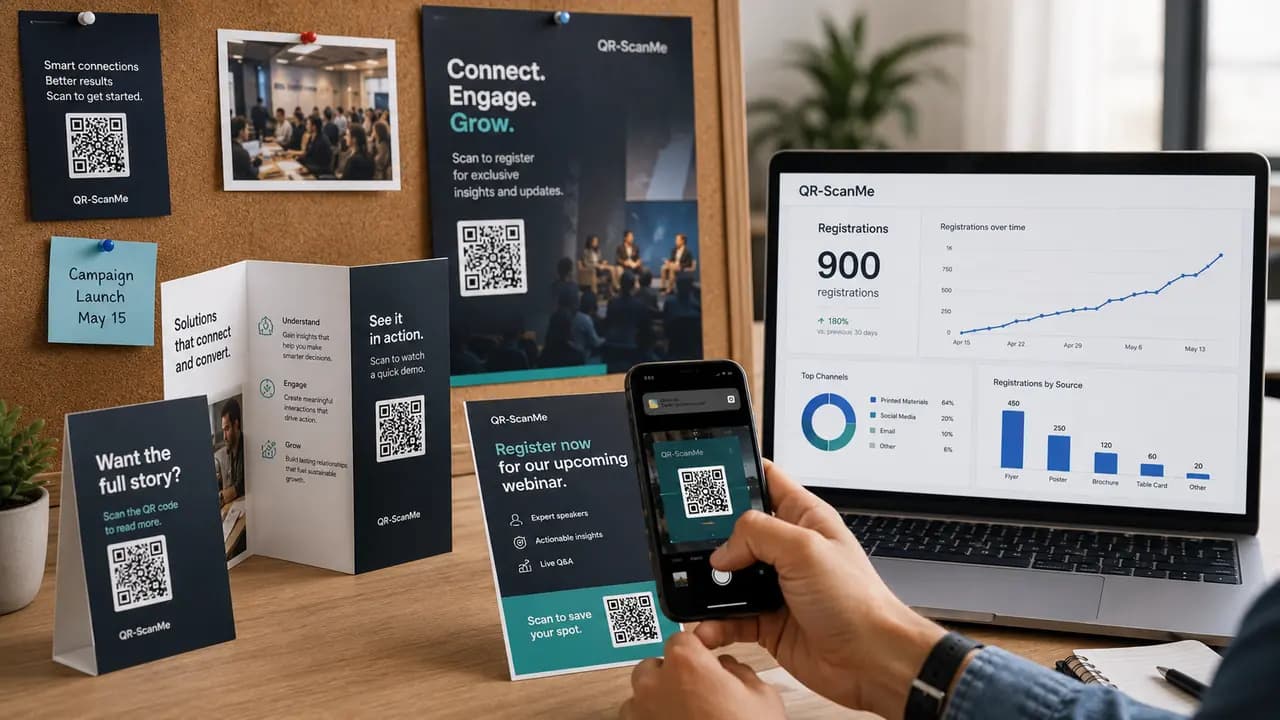
How QR Codes Turned Printed Materials Into 900 Registrations: The MDL Marinas Case
An analysis of how the MDL Marinas campaign used QR codes in printed welcome packs, posters and benefit cards to capture around 900 customer registrations.
Read more
 and easiest way to create and track free QR codes
Choose QR Code type
Free static and dynamic QR codes for websites, Wi‑Fi networks, social profiles, menus, and files. No design experience required.
All three steps live on one screen in the free QR code generator: patterns, colors, logos, frames and a live scannability check.
Guides and research for every QR code type.
An analysis of how the MDL Marinas campaign used QR codes in printed welcome packs, posters and benefit cards to capture around 900 customer registrations.
Read more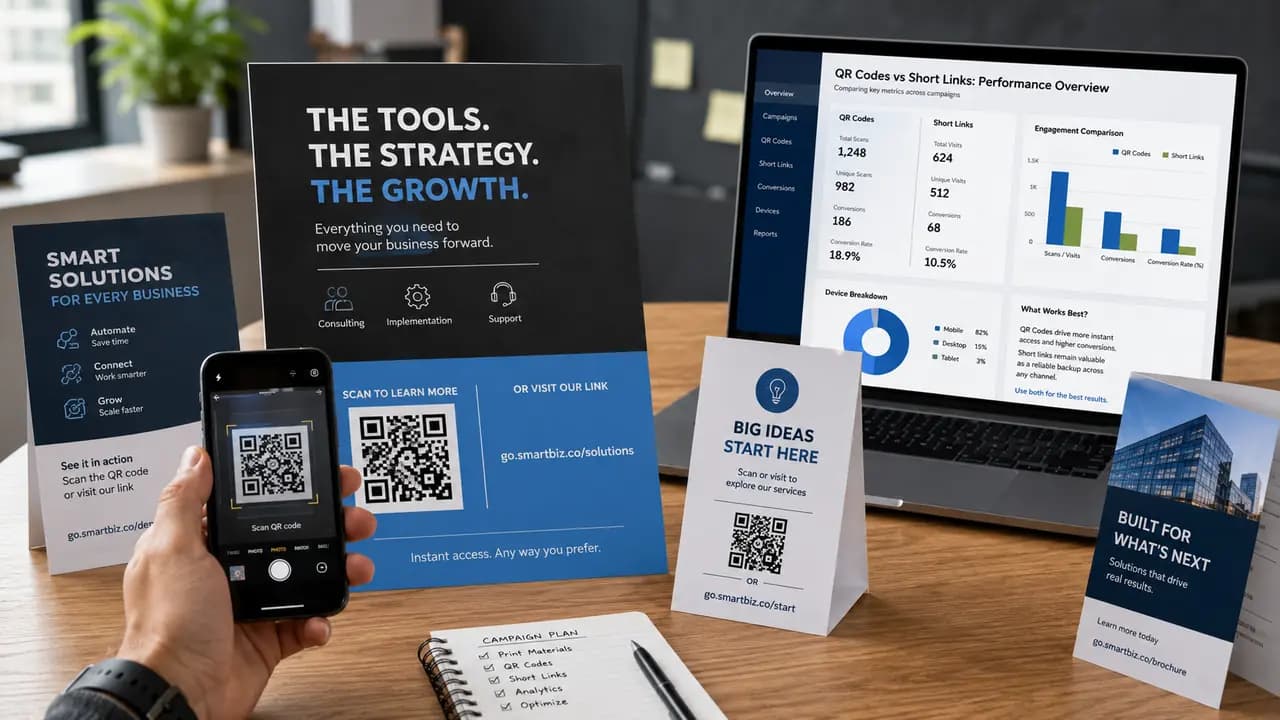
QR codes or short links on printed materials? A practical QR-ScanMe review of when each works best and why a combined layout is often the safest choice.
Read more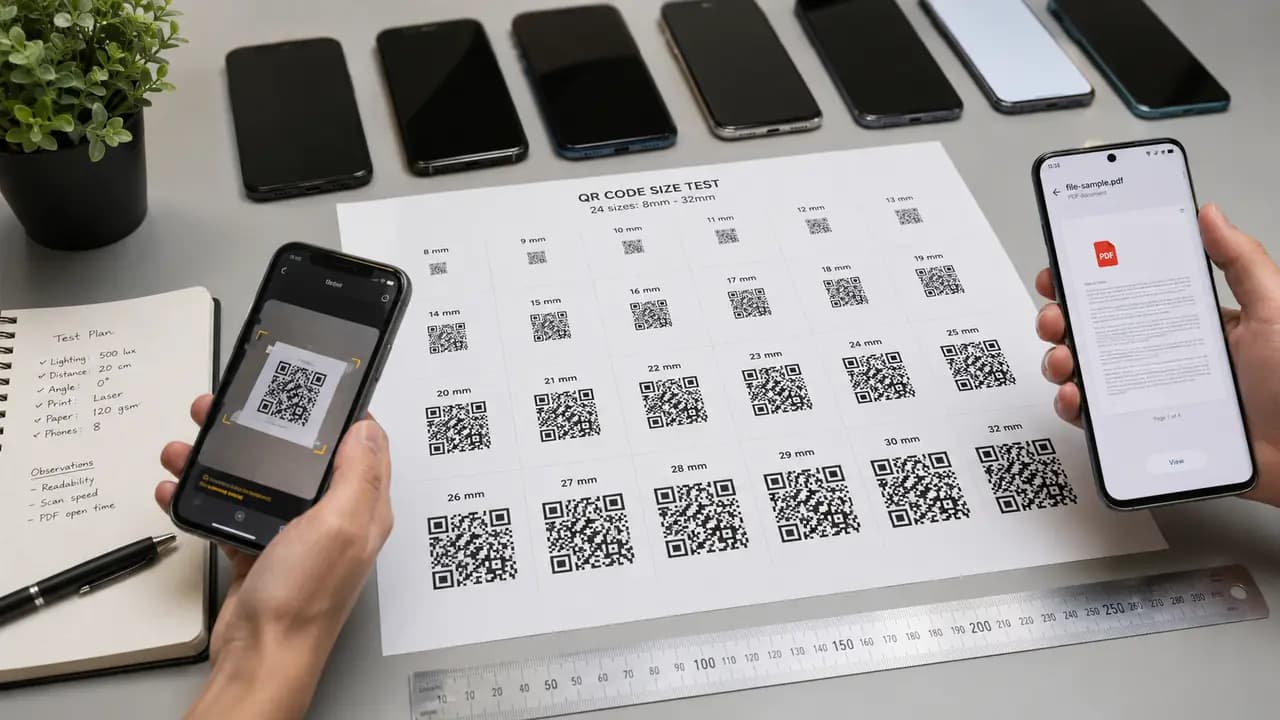
How large should a PDF QR code be in print? Size targets for cards, flyers and posters, plus paper, quiet-zone and file-weight advice that keeps codes scannable.
Read more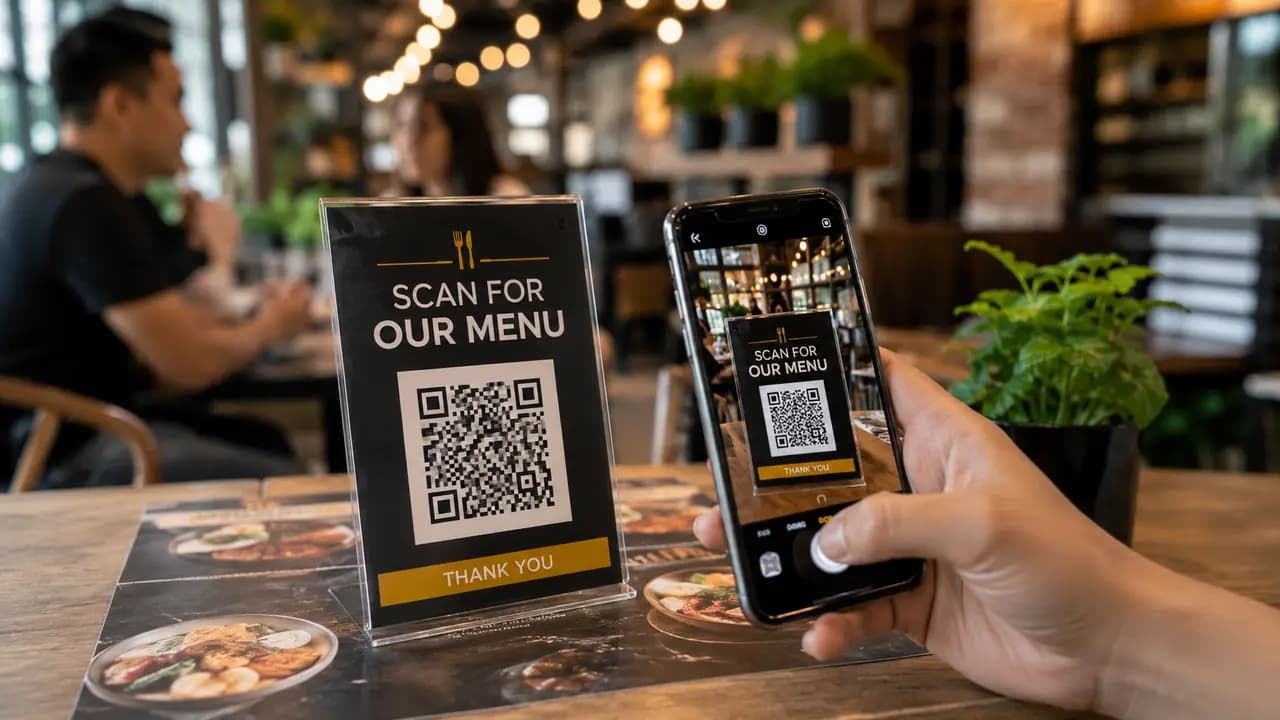
Where QR menus work in a restaurant - table cards, entrance posters, receipts, takeaway packaging - what guests expect after scanning, and what annoys them.
Read more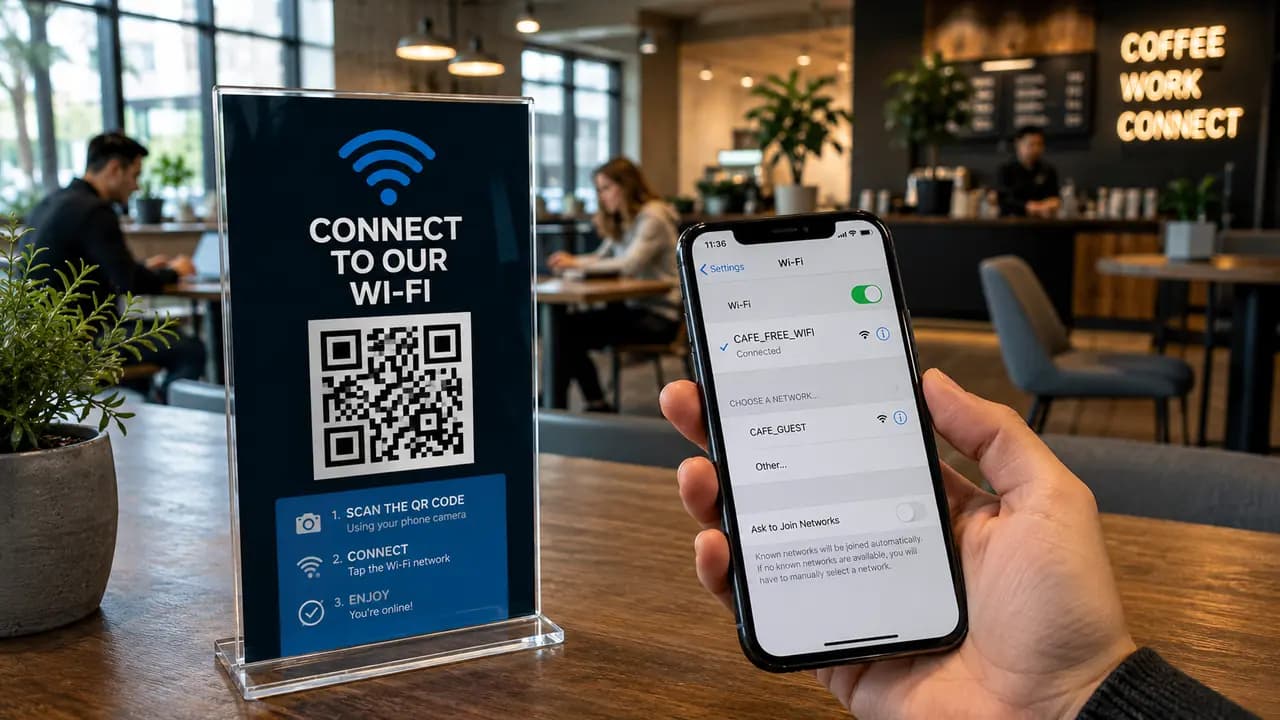
Wi-Fi QR codes for cafes, hotels, offices, coworking spaces, and events: where to place them, how large to print them, and the guest-network rules to set first.
Read moreTutorials, comparisons and practical tips for every QR code type.
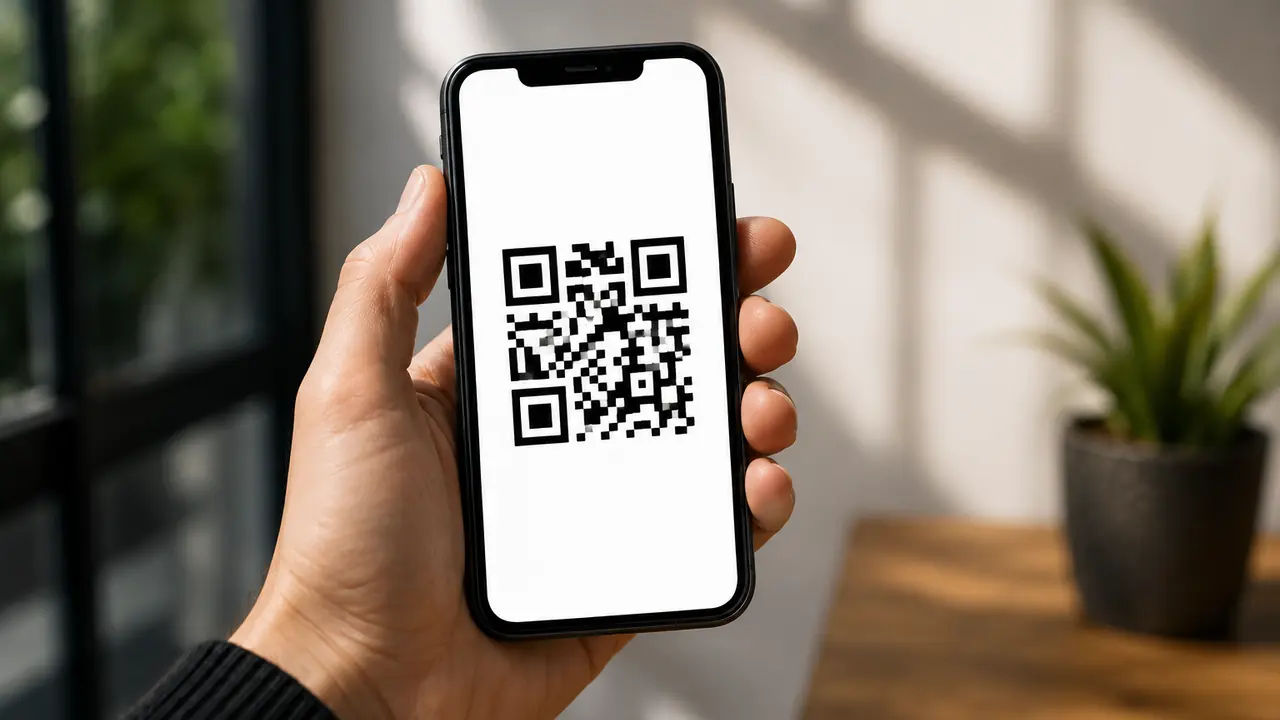
Seven practical ways QR codes cut paper waste and printing costs: menus, manuals, receipts, coupons, packaging, events and forms.
Read more
How food trucks use QR codes for menus, pre-ordering, contactless payments, reviews and loyalty to serve more people, faster.
Read more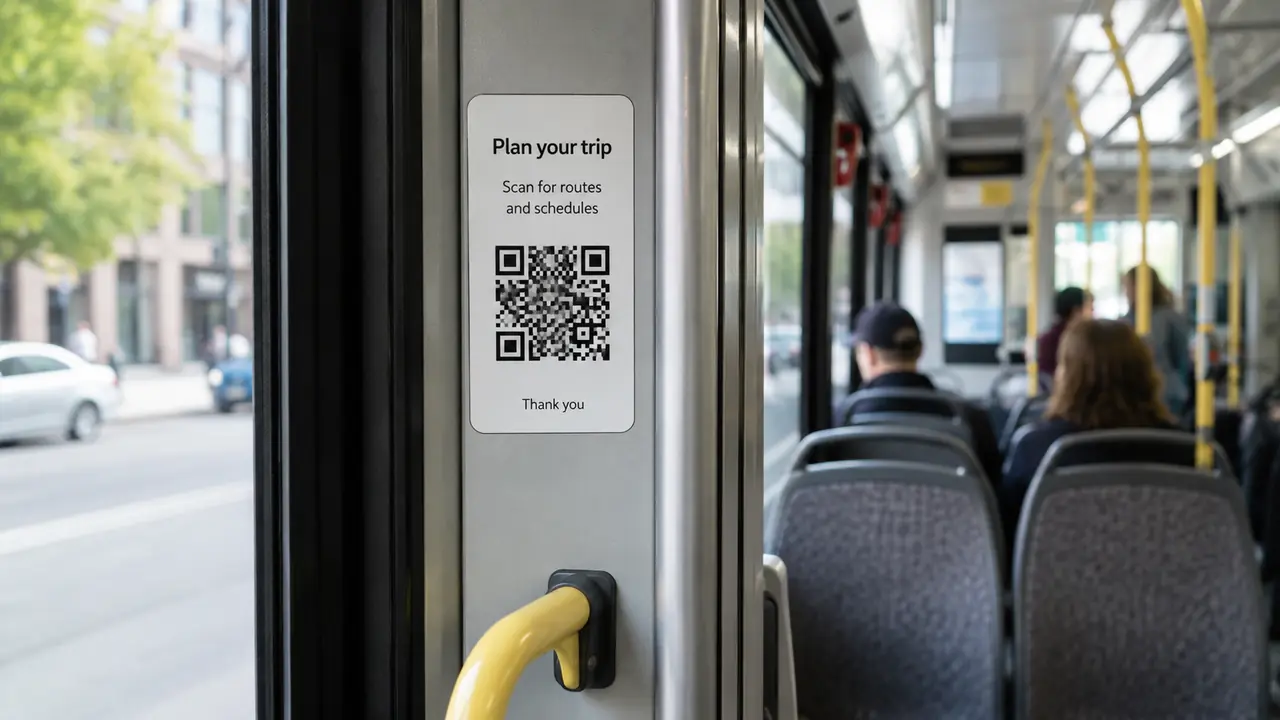
How QR codes make transit smarter: live schedules, mobile ticketing, route planning, less paper waste and service alerts that reach riders.
Read more
A step-by-step guide to QR code conversion tracking: define the goal, build tracked URLs with UTM parameters, and measure outcomes in GA4.
Read more
Why dynamic QR codes beat static for business: edit links without reprinting, track scans, fix mistakes and personalize by audience.
Read more
What QR code analytics reveal (scans, location, timing, devices, post-scan engagement) and how to turn that data into decisions.
Read more
Add your logo and colors, pick a size, and download in high resolution. No account, no cost.