
How QR Code Payments Work and Where Businesses Should Use Them
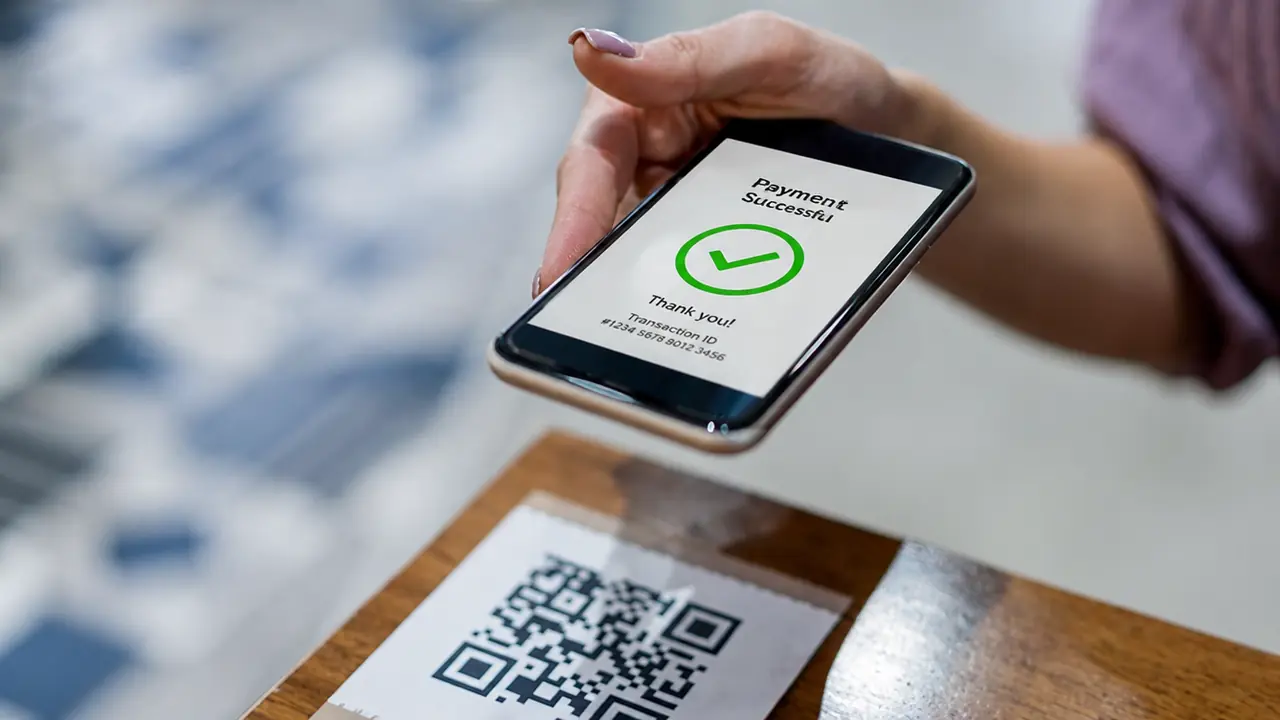
Paying used to be simple in a very physical way. Cash. Card. Receipt. Done.
Now customers can pay by tapping a phone, clicking a link, scanning a code, using a wallet, opening a banking app, or doing whatever digital ritual their payment provider prefers this week. Somewhere in that mix, QR code payments have become one of the easiest ways to connect a real-world purchase with a digital transaction.
A QR payment code can sit on a restaurant bill, food truck sign, invoice, donation poster, checkout counter, parking meter, event booth, delivery package, or table tent. The customer scans it, reviews the payment details, confirms the transaction, and moves on.
No cash. No card terminal in some cases. No typing a long payment URL that looks like a password had a nervous breakdown.
QR code payments are not right for every business, but when used well, they can make checkout faster, more flexible, and easier to manage. (Payments are one of the big QR trends ahead.)
What Are QR Code Payments?
QR code payments let customers pay by scanning a QR code with their phone.
The QR code may open a payment page, launch a payment app, display merchant details, connect to a digital wallet, or show an invoice. Depending on the system, the payment amount may be pre-filled, entered by the customer, or generated dynamically for a specific order.
At a basic level, the process looks like this:
- The business displays a QR code.
- The customer scans it with a phone.
- A payment page or app opens.
- The customer checks the details.
- The customer confirms payment.
- The business receives confirmation.
That is the simple version. Behind the scenes, different providers handle QR payments in different ways.
A small café might use a PayPal QR code. A restaurant might use Square QR ordering and payment. A street vendor might use a local banking app. A charity might use a QR code linked to a donation page. A larger retailer might use a payment system based on standardized QR payment specifications.
The customer experience should still feel simple: scan, verify, pay.
How QR Code Payments Work Technically
A QR payment code does not "hold money." It stores payment-related information or points to a payment destination. Some QR payment codes are static. Others are dynamic.
A static payment QR code may always point to the same merchant payment page. A customer scans it and enters the amount manually. This can work for tips, donations, small vendors, or simple in-person payments.
A dynamic payment QR code is generated for a specific transaction. It may include the exact amount, order ID, table number, invoice number, or checkout session. This is better for restaurants, ecommerce pickup, invoices, and point-of-sale systems.
A static QR means "pay this business"; a dynamic one means "pay this exact bill." Both are useful - one is just more specific.
Where QR Code Payments Work Best
QR payments are strongest when they make checkout faster, easier, or more flexible.
They are especially useful in places where customers already use phones during the experience.
Strong use cases include:
- Restaurants and cafés
- Food trucks
- Market stalls
- Pop-up shops
- Events and festivals
- Parking
- Hotels
- Invoices
- Donations
- Delivery orders
- Taxi or shuttle services
- Salons and service businesses
- Small retail stores
- Coworking spaces
- Tourist attractions
The best payment QR code appears at the moment the customer is ready to pay.
Not earlier. Not hidden somewhere near the plant. Not printed so small that scanning it feels like a vision test.
QR Code Payments in Restaurants
Restaurants are one of the clearest use cases for QR payments.
A QR code on the bill, receipt, table card, or ordering page can let diners pay from their phones. In some systems, customers can also split the bill, add a tip, request a digital receipt, and leave feedback.
This helps restaurants reduce waiting time. It also gives customers more control over checkout.
Platforms such as Square offer QR code ordering for restaurants where customers can browse, order, and pay from mobile devices, with QR codes mapped to tables or ordering locations.
A brand like Panera Bread or Chipotle already fits naturally with digital ordering behavior. A local ramen shop can apply the same logic with QR table payments. (See the full picture of QR codes in restaurants.)
The noodles remain analog. The checkout becomes digital.
QR Payments for Food Trucks and Street Vendors
Food trucks and street vendors need fast checkout. Lines are short on patience and long on hunger.
QR payments can help because they do not always require a traditional card terminal. A vendor can display a QR code near the order window, on a sign, or on receipts. Customers scan and pay through a payment app or mobile checkout page.
This works well for:
- Food trucks
- Farmers markets
- Craft fairs
- Pop-up stalls
- Street food vendors
- Festival vendors
- Independent sellers
A food truck could display:
"Scan to pay. Then prepare emotionally for tacos."
A coffee cart might use:
"Scan, pay, sip, survive Monday."
For small vendors, QR payments can reduce cash handling and speed up transactions. They can also support digital receipts and basic sales tracking. (More on QR codes for food trucks.)
The key is visibility. If customers have to ask where the payment QR code is, the system is not finished.
QR Payments for Invoices
QR codes can make invoice payments easier.
Instead of asking a customer to manually enter account details, invoice number, payment amount, or a long URL, the invoice can include a QR code that opens the payment flow directly.
PayPal's developer documentation, for example, describes invoice QR codes that redirect buyers to a mobile payment flow where they can view the invoice and pay online.
This is useful for:
- Freelancers
- Consultants
- Contractors
- B2B services
- Repair services
- Healthcare billing
- Tuition or course payments
- Event invoices
- Membership fees
A freelance designer could add a QR payment code to an invoice. A repair shop could include one on printed estimates. A yoga studio could use QR codes for membership renewals.
The goal is simple: make payment easier before the customer decides to "do it later," which is where invoices go to develop trust issues.
Benefits of QR Code Payments for Businesses
QR payments can offer several business advantages.
| Benefit | Why It Matters |
|---|---|
| Faster checkout | Reduces waiting and improves customer flow |
| Lower hardware needs | Some setups do not require traditional terminals |
| Contactless experience | Useful for restaurants, events, and public spaces |
| Digital receipts | Easier records for customers and businesses |
| Flexible placement | Codes can appear on bills, signs, invoices, screens, or packaging |
| Better tracking | Payments can connect to orders, tables, invoices, or campaigns |
| Easier remote payment | Customers can pay invoices or deposits from anywhere |
| Useful for small businesses | Simple setup for vendors, freelancers, and service providers |
PayPal notes that QR code payments can allow in-person payment without special hardware or scanners, with customers scanning the code and paying through an online payment portal or app.
That is why QR payments are attractive to small businesses. They can reduce setup friction.
Not every business needs a complex payment stack. Sometimes it just needs a clear code and a trustworthy checkout page.
Benefits for Customers
Customers like payment methods that are fast, clear, and familiar.
QR payments can help because they:
- Reduce cash handling
- Avoid waiting for a card terminal
- Support mobile wallets
- Make bill splitting easier
- Provide digital receipts
- Allow payment from the table
- Work well for remote invoices
- Give customers control over timing
- Reduce typing and manual errors
The customer does not care that the system is "omnichannel." They care that they can pay and leave before the parking meter becomes a villain.
That is the real UX standard.
When QR Code Payments Are Not the Best Option
QR payments are useful, but not always ideal. They may not be best when:
- Customers are not comfortable using phones
- Mobile internet is unreliable
- The business serves many elderly or non-digital users
- Payment must be extremely fast at high-volume checkout
- Public QR codes cannot be monitored
- Security risks are high
- The payment flow requires too many steps
- Regulations require specific payment handling
- The business cannot provide support for failed payments
QR payments should be an option, not the only door.
A restaurant, store, or public service should still consider cards, cash, terminals, or staff-assisted payment where appropriate.
Good payment UX gives customers choice. Forced digital payment feels efficient to the business and annoying to the customer - a trade nobody actually wins.
Ready to accept scan-to-pay? Create a free QR code and link it to your checkout or invoice page.