
From Scan to Sale: How to Set Up QR Code Conversion Tracking Step by Step
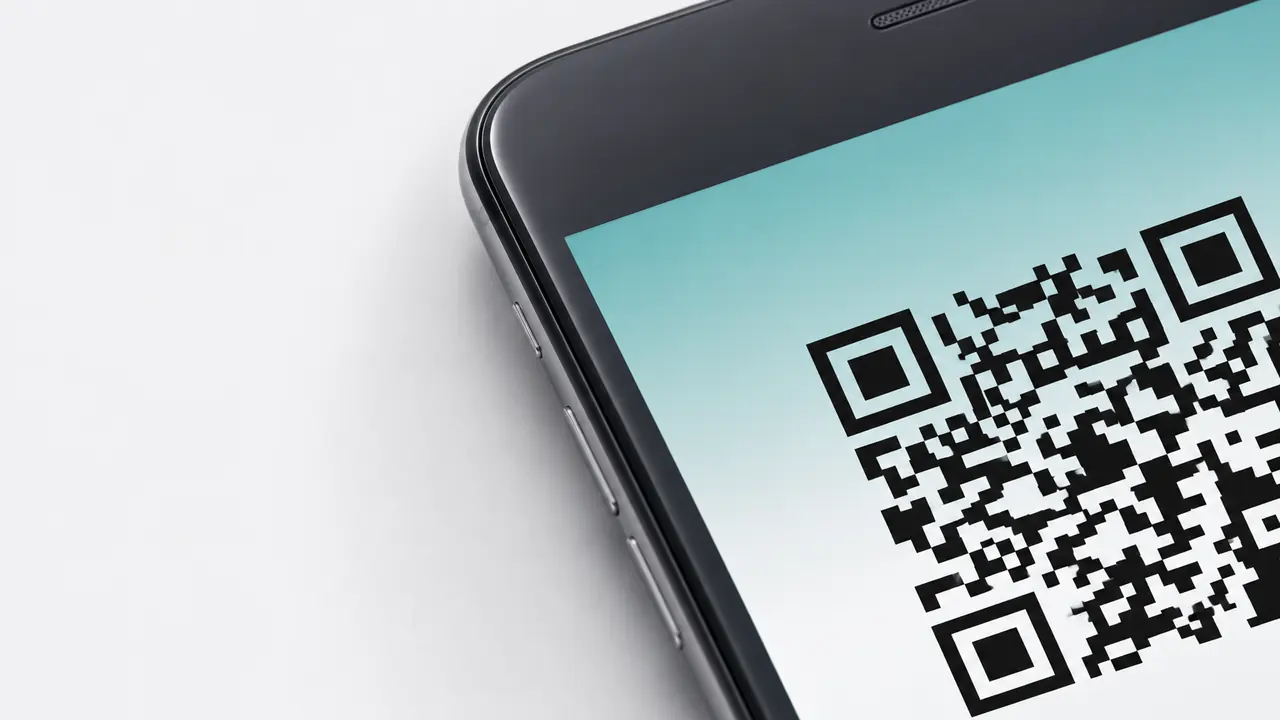
QR codes are easy to create. Tracking what happens after someone scans them is where things get interesting.
A QR code on a poster, package, menu, flyer, receipt, billboard, table tent, or product label can bring people to your website in seconds. But if you do not track those scans properly, you are basically standing in the dark asking, "Is this campaign working?" and hoping the marketing gods answer politely.
They usually do not.
QR code conversion tracking helps you understand what people do after they scan. Do they visit the landing page? Sign up? Buy something? Download an app? Leave a review? Join a loyalty program? Book an appointment? Or do they bounce faster than someone who accidentally opened a restaurant menu from 2017?
With the right setup, a QR code becomes more than a shortcut. It becomes a measurable marketing channel. (Conversion tracking is the action half of the story; QR code analytics covers scans, location, devices and timing.)
What QR Code Conversion Tracking Actually Means
QR code conversion tracking is the process of measuring user actions that happen after someone scans a QR code.
The scan itself is useful, but it is not the whole story. A scan only tells you that someone showed interest. Conversion tracking tells you whether that interest turned into a meaningful business result.
For example, a scan can lead to:
- A product purchase
- A form submission
- A newsletter signup
- A coupon redemption
- A booking request
- A review click
- A menu view
- An app download
- A loyalty program signup
- A PDF download
- A phone call
- A store locator visit
A coffee brand may care about coupon redemptions. A restaurant may care about menu views and online orders. A gym may care about trial class bookings. A skincare brand may care about product education and email signups. A B2B company may care about demo requests.
Before you track anything, define what success looks like for this specific code.
Otherwise, you are just collecting numbers because they look responsible in a report.
Why Tracking QR Codes Matters
QR codes often live in offline places: packaging, print ads, store displays, restaurant tables, event booths, buses, product inserts, receipts, and posters - the same surfaces covered in 10 ways to use QR codes in marketing. That makes them powerful, but also tricky.
Without tracking, you may know that you printed 5,000 flyers. You may even know that you placed QR codes on them. But you will not know which flyer location worked, which message drove action, or whether people scanned and converted.
Tracking helps answer questions like:
- Which QR code placement generated the most traffic?
- Which campaign led to the most purchases?
- Did people scan but leave without acting?
- Which city, store, event, or product label performed best?
- Are customers more likely to convert from packaging, posters, or receipts?
- Which call to action worked better?
- Should you reprint this campaign or quietly pretend it never happened?
That last one is not in most analytics dashboards, but emotionally, it is very real.
Step 1: Define the Conversion Before Creating the QR Code
Do not start by generating the QR code.
Start by deciding what action you want people to take after scanning.
This sounds obvious, but many QR campaigns skip this step. A brand adds a QR code to packaging, sends everyone to the homepage, and then wonders why the campaign did not produce measurable results. That is like inviting someone to dinner and dropping them at the entrance of a supermarket.
Be specific.
A conversion could be:
- Buying a product
- Signing up for a newsletter
- Completing a lead form
- Booking a consultation
- Downloading an app
- Claiming a discount
- Watching a product demo
- Registering a warranty
- Leaving a review
- Joining a loyalty program
For example, Starbucks might use a QR code on a seasonal poster to drive app downloads or loyalty signups. Nike could use a QR code on in-store signage to drive shoppers to a product page, size guide, or limited drop. IKEA could use QR codes on packaging to send customers to assembly instructions and then track video views or spare-parts requests.
The goal changes the tracking setup.
A campaign built for awareness may track page views and engagement. A campaign built for sales should track purchases. A campaign built for lead generation should track form submissions. One QR code cannot be judged fairly unless you know what it was supposed to do.
Step 2: Choose the Right Landing Page
The landing page is where the conversion happens, so do not treat it as an afterthought.
A QR code should not send users to a generic homepage unless the homepage is genuinely the best destination. Usually, it is not. People scan with a specific expectation. If the code says "Scan for 20% off," the page should show the offer immediately. If it says "Scan for setup guide," the guide should appear without a scavenger hunt.
A strong QR landing page should:
- Load quickly on mobile
- Match the call to action beside the QR code
- Show the main value above the fold
- Avoid unnecessary pop-ups
- Use one clear primary action
- Work well on weak mobile connections
- Include analytics tags
- Confirm the conversion clearly
Take a restaurant QR menu. If a customer scans from a table, they expect the menu. Not the brand story. Not the founder's childhood memory of soup. Not a full-screen newsletter popup. The menu.
Someone standing at a poster or sitting at a table gives the page a few seconds before closing the tab - the landing page has to earn its keep in that window.
Step 3: Build a Tracked URL With UTM Parameters
UTM parameters are small pieces of text added to the end of a URL. They tell analytics platforms where traffic came from.
For QR code campaigns, the most useful UTM parameters are usually:
- utm_source
The traffic source. For QR codes, this might beqr,qrcode, or the specific placement. - utm_medium
The marketing medium. For printed QR codes, this might beprint,packaging,poster,flyer, oroffline. - utm_campaign
The campaign name. This should describe the campaign clearly. - utm_content
The version, placement, creative, or test variant. - utm_term
Usually used for paid keywords, but it can sometimes help classify QR campaigns by audience or location.
Here is a simple example:
https://example.com/offer?utm_source=qr&utm_medium=packaging&utm_campaign=summer_discount&utm_content=bottle_label
This tells your analytics tool that the visitor came from a QR code on packaging for the summer discount campaign, specifically from the bottle label.
That is much better than seeing a mysterious traffic spike and thinking, "Well, something happened." Analytics should not feel like reading tea leaves.
Step 4: Generate the QR Code From the Tracked URL
Once your tracked URL is ready, use it as the destination for the QR code.
This step is simple, but important. If you create the QR code first and then later add tracking, the printed code may point to the wrong URL. That is fine if you use a dynamic QR code. It is painful if you use a static one and already printed 10,000 flyers. That pain has a name: reprint budget.
For campaign tracking, a dynamic QR code is usually the better choice because it lets you update the destination later without changing the printed code. (Here is why dynamic QR codes are the better fit for campaigns.)
This is useful when:
- The campaign URL changes
- The landing page is redesigned
- You want to run A/B tests
- The offer expires
- You need to fix a tracking mistake
- You want to redirect users after an event ends
- You want one printed code to support future campaigns
Static QR codes can work for simple evergreen pages. Dynamic QR codes are safer for marketing campaigns.
For example, Coca-Cola might use a dynamic QR code on promotional packaging because the campaign may change by season. A local bakery could use a dynamic QR code on pastry boxes to rotate offers: one month for loyalty signup, another month for holiday preorders. Same box design, new destination. Less waste. Fewer "we printed the wrong link" nightmares.
Step 5: Set Up Events in Your Analytics Platform
Traffic tracking tells you that someone arrived. Event tracking tells you what they did.
In Google Analytics 4, actions such as clicks, downloads, purchases, form submissions, video plays, and page views can be measured as events. Some events are collected automatically, while others need to be configured depending on your website and business goals.
Useful QR campaign events might include:
page_viewsign_upgenerate_leadpurchaseform_submitfile_downloadvideo_startvideo_completeclick_to_callcoupon_redeemapp_download_clickreview_click
For example, a gym using a QR code on a street poster might track generate_lead when someone submits a trial class form. A cosmetics brand might track video plays after users scan a QR code for a makeup tutorial. A furniture brand like IKEA could track assembly guide views or support clicks from packaging QR codes.
Do not track everything just because you can. Track what helps you make decisions.
A dashboard with 47 events and no clear goal is not analytics. It is a digital junk drawer.
The Scan Is Only the Arrival
QR codes are one of the easiest ways to connect offline marketing with digital action, but the scan by itself is just an arrival. Everything the business actually gets paid for happens on the page afterwards.
A good QR code tracking setup shows whether your print materials, packaging, posters, menus, receipts, business cards, event booths, and product labels are actually driving results.
It helps you answer practical questions: which placement works, which offer converts, which audience responds, which landing page needs fixing, and which campaign deserves more budget.
So before you print that next QR code, build the tracking first. Your analytics dashboard will thank you. Your budget will thank you. And your future self will not have to ask why 4,000 people scanned something and absolutely nothing happened.
Start on the right foot: create a website QR code with your tracked URL baked in from the very first print run.