
7 Practical Ways QR Codes Help Brands Cut Paper Waste and Printing Costs
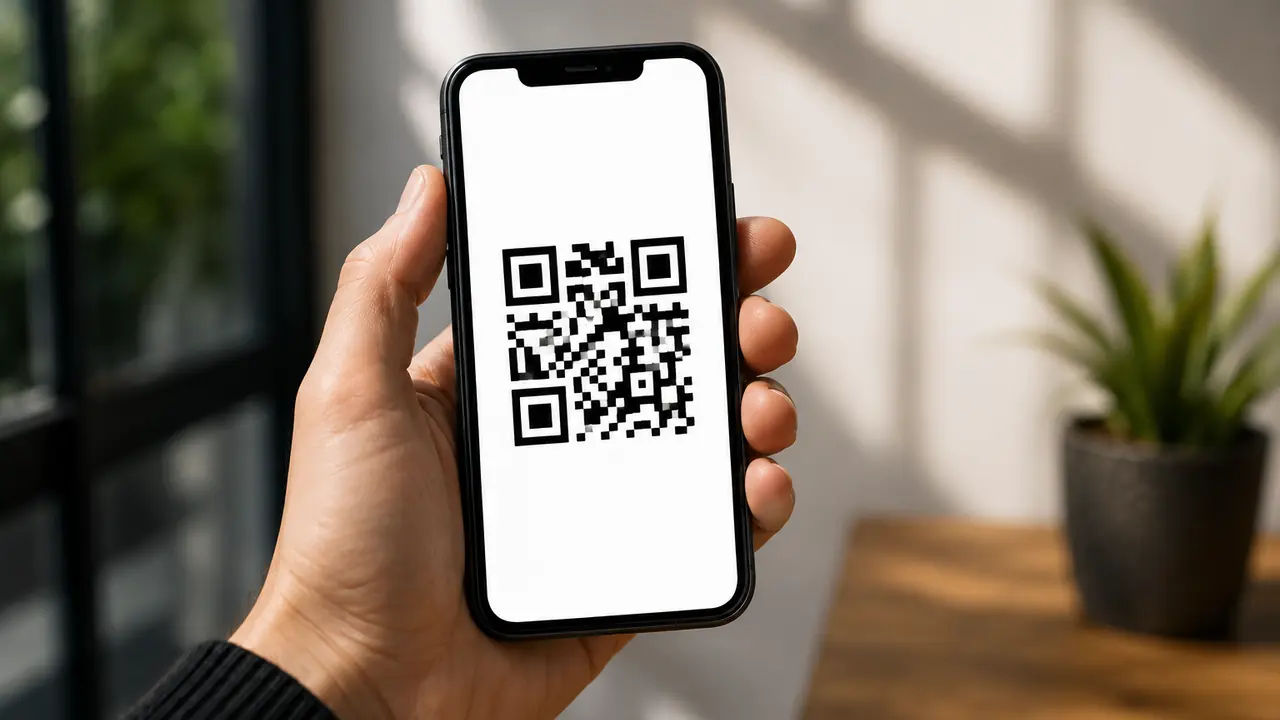
Paper is useful. Paper is familiar. Paper has been doing its job for centuries. But sometimes brands use so much of it that a simple product launch starts to look like a small forest's resignation letter.
That is where QR codes become surprisingly powerful.
For businesses, the appeal is concrete: QR codes reduce printing costs, simplify updates, replace unnecessary paper materials, and hand customers information exactly when they need it. For consumers, the benefit is simple too: fewer lost brochures, fewer tiny instruction leaflets, and less "where did I put that manual?" energy.
A QR code will not solve every sustainability problem. It is not a magic wand. It is more like a very practical intern who never sleeps, does not ask for coffee, and can redirect people to the right page in one scan.
Why Paper Waste Is Still a Business Problem
Many companies still rely on printed materials for product information, menus, instruction manuals, coupons, catalogues, forms, event schedules, return policies, warranty cards, and promotional inserts. Some of this paper is necessary. A lot of it is not.
The problem is not only environmental. Printing costs money. Updating printed materials costs even more. If a price changes, a product detail changes, a restaurant menu changes, or a campaign ends early, brands often have to reprint everything. That means more design work, more production time, more shipping, more storage, and more waste.
QR codes offer a cleaner alternative. Print a small code once, then update the digital content behind it whenever needed. This is especially useful with dynamic QR codes, where the destination link can be changed without reprinting the physical material. (Here is why dynamic QR codes are worth it.)
QR codes let businesses stop treating paper like a one-time-use billboard.
1. Replace Printed Menus With Digital Menus
Restaurants were among the first businesses to make QR codes feel normal for everyday users. A small code on the table can replace dozens of printed menus that get stained, torn, redesigned, disinfected, reprinted, and occasionally used by toddlers as abstract art.
A digital menu is easier to update. If the soup of the day sells out, the restaurant can remove it online. If prices change, there is no need to reprint every menu. If a new seasonal drink appears, it can go live immediately.
Think of brands like Starbucks or McDonald's. Their menus change often: seasonal drinks, limited-time offers, new combos, regional items. A QR-based menu system makes sense because the information is never completely frozen. Smaller cafés can use the same idea without needing a huge tech team.
A simple example: a local burger shop prints one small table tent with a QR code. The code leads to a mobile menu. The shop updates prices, adds photos, highlights vegan options, and promotes a Friday lunch deal. No stacks of laminated menus. No crossed-out prices. No sad paper pile behind the counter. (Running a mobile kitchen? See how QR codes upgrade a food truck business.)
2. Move Product Manuals Online
Printed manuals are useful until they are lost. Which usually happens approximately seven minutes after opening the box.
For electronics, furniture, home appliances, fitness equipment, and toys, QR codes can direct customers to online manuals, setup videos, troubleshooting pages, and warranty information. This reduces the need for thick paper booklets inside every package.
The customer experience can actually improve. A video guide is often easier to follow than a folded instruction sheet with tiny diagrams and the emotional warmth of a tax form.
Brands like IKEA are already associated with assembly instructions, and QR codes can make that experience smoother. A furniture box could include a code that opens the exact assembly guide for that item, plus a short video and a spare-parts request page. No guessing. No searching. Fewer arguments with a chair leg at 11 p.m.
3. Use QR Codes for Digital Receipts
Printed receipts are one of the fastest ways paper becomes waste. Many customers do not need them. Many lose them. Some keep them in a drawer forever, where they slowly transform into mysterious faded scrolls.
QR codes can help businesses offer digital receipt options. A customer scans a code at checkout, enters an email, downloads the receipt, or saves it to an account. For loyalty members, receipts can be stored automatically.
This is useful for retailers, supermarkets, salons, gyms, pharmacies, and service businesses. It also helps customers who need receipts for returns, tax records, or expense reports.
A simple retail example:
- A customer buys sneakers.
- The cashier points to a small QR code near the payment terminal.
- The customer scans it and chooses "Send my receipt by email."
- The store saves printing paper.
- The customer does not have to protect a tiny receipt like it is a historical document.
Everyone wins. Except maybe the receipt printer, but it had a good run.
4. Replace Printed Coupons With Scan-Based Offers
Coupons are great for marketing, but printed coupons come with problems. They can expire before being used. They can be copied. They can be forgotten at home. They can also create a lot of paper waste when distributed at scale.
QR codes make coupons more flexible. Instead of printing thousands of individual paper vouchers, brands can place one QR code on packaging, posters, receipts, shelf displays, flyers, or social media graphics. The scan leads to a live offer page.
This gives marketers more control: update the offer, turn it off early, test different messages, and see how many people scanned versus how many actually redeemed.
For example, a brand like Coca-Cola could place a QR code on a bottle label that leads to a summer promotion. A local bakery could do the same thing with a "Scan for your next coffee discount" sticker on takeaway bags. The scale is different; the logic is the same. The customer gets a discount, the brand saves paper, and the campaign becomes easier to measure.
5. Turn Packaging Into a Digital Information Hub
Packaging has limited space. That is why brands often add printed inserts, extra labels, small booklets, or multilingual leaflets. QR codes can move much of that supporting information online.
A single product package can link to:
- Ingredients
- Nutrition facts
- Recycling instructions
- Sourcing details
- How-to videos
- Safety information
- Product certifications
- Customer support
- Related products
- Loyalty programs
This is especially useful for food, cosmetics, supplements, electronics, cleaning products, and premium goods.
Imagine a skincare brand like The Ordinary. Customers often want to understand ingredients, routines, layering, and usage frequency. Instead of printing a mini chemistry lecture on every box, the brand could use QR codes to guide customers to product-specific explanations. Less paper. Better education. Fewer people wondering whether they should apply serum before or after moisturiser.
The packaging stays clean, but the information does not disappear. (More on this in turning packaging into a media channel.)
6. Use QR Codes for Event Schedules and Tickets
Events are paper machines when nobody stops them. Tickets, maps, agendas, speaker bios, sponsor brochures, feedback forms, food vouchers, badges, flyers - by the end, the registration table can look like it tried to become a stationery shop.
QR codes help reduce that clutter.
An event organiser can use QR codes for digital tickets, check-in, live schedules, venue maps, session reminders, speaker information, feedback surveys, and networking links. If the schedule changes, the online version updates instantly.
A conference could print one QR code on each badge. That code opens the attendee's agenda, the venue map, and session feedback forms. A music festival could use QR codes around the venue for stage times, food vendor lists, and emergency information.
This reduces printing and improves accuracy. Because nothing says "professional event experience" like not handing people a printed schedule that became outdated before lunch.
7. Replace Paper Forms With Mobile Forms
Paper forms are still everywhere: clinics, gyms, schools, hotels, real estate offices, service centres, workshops, and beauty salons. They are also slow, easy to misread, and surprisingly good at disappearing.
QR codes can send users directly to digital forms. This works for:
- Customer feedback forms
- Appointment intake forms
- Warranty registration
- Event registration
- Product returns
- Job applications
- Waivers and consent forms
- Service requests
- Contact forms
- Customer satisfaction surveys
For example, a gym like Planet Fitness could use QR codes for class signups, feedback, or waiver updates. A dental clinic could place a QR code at reception so patients complete intake forms on their phone before the appointment. A hotel could use a QR code for check-in details or guest requests.
The benefit is not only less paper. Digital forms are easier to store, search, and process. Staff no longer need to decode handwriting that looks like it was created during a mild earthquake.
A Simple Implementation Plan for Businesses
Start small. A brand does not need to replace every printed material overnight.
Try this:
- Choose one paper-heavy item.
A menu, manual, flyer, coupon, receipt, form, or warranty card is a good starting point. - Create a focused mobile page.
Do not send people to a generic homepage. Build a page that matches the scan purpose. - Add a clear call to action.
Tell users exactly what they will get. - Test the QR code before printing.
Test on different phones, from different distances, and in realistic lighting. - Track results.
Monitor scans, page visits, form submissions, coupon redemptions, or support requests. - Improve the destination.
If people scan but leave quickly, the code is not the problem. The page probably is. - Expand gradually.
Once one use case works, apply QR codes to other materials.
This approach keeps the project manageable. It also prevents the classic marketing mistake of launching 37 things at once and then wondering which one worked.
Less Paper, More Useful Information
QR codes are a practical way to reduce paper waste and printing costs without removing information from the customer experience. In many cases, they improve that experience by making content easier to update, easier to access, and easier to measure.
They work especially well for menus, manuals, coupons, receipts, forms, packaging information, event materials, catalogues, warranty details, and recycling instructions. The best use cases are simple: replace printed material that changes often, takes up too much space, costs too much to reproduce, or usually ends up in the trash.
Still, QR codes should be used thoughtfully - the goal is not to digitise everything that can be digitised, but to hand people the right information the easiest way.
Paper is not the enemy. Waste is.
And when one small square can save money, reduce clutter, and help customers find what they need faster, it deserves a place on the package, poster, table, receipt, or product label.
Just maybe not on everything. The fork can stay analog.
Ready to retire some paper? Create a free PDF QR code and link it to a manual, menu, or offer you can update anytime.