
QR Code Mistakes That Can Ruin Customer Experience
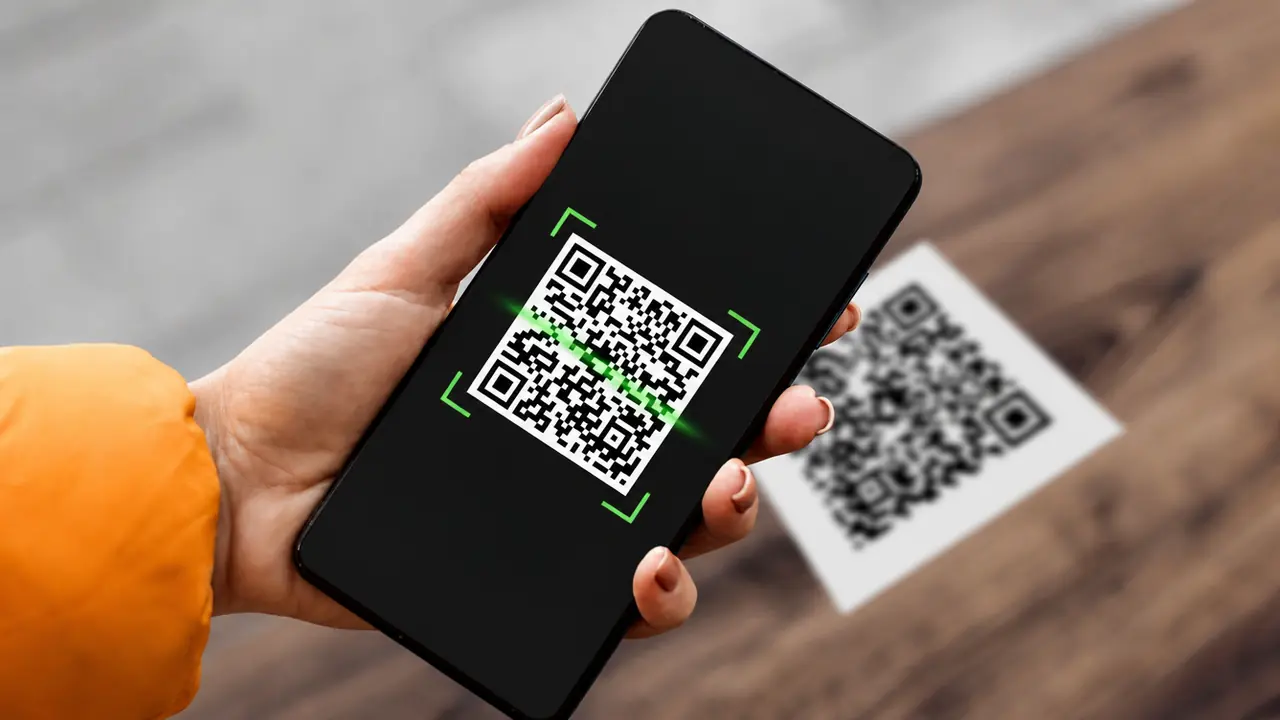
QR codes are simple. That is why businesses love them.
Print a small square, place it on a menu, poster, package, receipt, flyer, table card, or product label - and suddenly customers can open a website, pay a bill, leave a review, download an app, join a loyalty program, or watch a tutorial.
Easy, right?
Mostly. But QR codes can fail quickly when businesses treat them as decoration instead of part of the customer journey. A QR code is not successful because it exists - it is successful when people scan it, understand it, trust it, and complete the intended action.
Here are the most common QR code mistakes businesses should avoid.
1. Using a QR Code With No Clear Purpose
The biggest mistake is adding a QR code just because it looks modern.
A QR code should help the customer do something useful:
- View a menu
- Pay a bill
- Get product details
- Leave a review
- Claim a discount
- Register for an event
- Watch instructions
If the code does not solve a real problem, customers will ignore it.
A QR code on IKEA packaging that opens assembly instructions makes sense. A QR code on a poster that says only "Scan me" does not. Mystery is fine for crime novels. Not for conversion rates.
2. Sending People to a Homepage
A QR code should lead to a specific page, not a generic homepage.
If a restaurant QR code says "Scan for today's menu," the customer should see the menu immediately. If a product box says "Scan for setup instructions," the user should land on the setup guide, not the brand's homepage with a newsletter popup blocking everything.
Brands like Dyson can use QR codes to send customers directly to product setup videos or maintenance guides. A small electronics brand can do the same. Match the scan promise to the landing page - nothing more, nothing less.
3. Forgetting Mobile Optimization
A QR code almost always leads to a phone screen, not a laptop. That means the page behind the scan should be built for thumbs, small displays, and people who expect everything to load right now.
A good mobile QR destination should feel effortless:
- It opens quickly.
- The text is easy to read without zooming.
- Buttons are large enough to tap.
- Navigation is simple and obvious.
- Forms work smoothly.
- PDFs are avoided unless they are truly mobile-friendly.
- Popups do not block the entire screen like an overexcited salesperson.
A QR code can technically lead to a desktop-style page, but that does not make it a good experience. If users need to pinch, zoom, rotate the phone, scroll sideways, or negotiate with the browser just to read the content, the journey is already broken.
The scan should feel like a shortcut, not a punishment.
4. Making the QR Code Too Small
QR codes need to be large enough for the scan distance.
A QR code on a business card can be small. A QR code on a poster across a hallway needs to be larger. A QR code on a billboard needs to be much larger. A QR code on curved packaging must be tested carefully.
Before printing, test the code in real conditions.
Not just on your laptop. Not just in perfect office lighting. Test it where people will actually scan it.
A QR code on a shiny bottle, dark menu, or wrinkled takeaway bag has a harder job than one on a clean white flyer. Be kind to the square. (More on why QR codes fail to scan.)
5. Not Adding a Call to Action
A QR code needs text that tells users what they will get.
"Scan me" is weak. It creates uncertainty.
Better examples:
- "Scan for today's menu"
- "Scan to pay your bill"
The call to action should answer one question:
Why should I scan this?
If customers do not know what happens next, many will not scan.
6. Using Static QR Codes for Changing Content
Static QR codes cannot be edited after creation. If the destination changes, the printed code becomes useless.
Dynamic QR codes are better when the destination may change. They let businesses update the final URL without reprinting the code. (Here is why dynamic QR codes are worth it.)
Imagine printing 20,000 flyers with a QR code that links to the wrong campaign page.
That is not a small mistake. That is a meeting with tension.
7. Test the QR Code in the Real World
A QR code should never go live just because it looks fine in the design file. Before printing, publishing, or launching it, test the full experience from scan to final action.
Start with the basics: scan it on both iPhone and Android. Then check how it performs in different lighting, from different distances, and at the final printed size. A code that works perfectly on a bright laptop screen may become stubborn on glossy packaging, dark posters, curved labels, or outdoor signs.
The scan is only the first step. The destination needs testing too. Make sure the QR code opens the correct page, loads quickly, submits forms properly, processes payments safely, and keeps tracking links intact.
A quick pre-launch check should answer one question:
Will this still work when a real customer scans it in real conditions?
Testing may feel like the least exciting part of a QR campaign. But it becomes very exciting when it prevents broken links, failed payments, unreadable packaging, and awkward "who approved this?" meetings.
The Square Has a Job
QR codes can improve customer experience, reduce friction, support marketing, collect reviews, drive payments, generate leads, and connect packaging to digital content - but only when they are used thoughtfully.
The most common mistakes are all avoidable: unclear purpose, weak CTA, bad landing page, tiny size, no testing, no tracking. (Designing a branded one? Keep it scannable while you customize.)
A good QR code feels obvious: the customer sees it, understands the value, scans it, lands on the right page, and completes the action without confusion. Not "look, we added a square." The square has a job. Make sure it can do it.
Start it off right: create a free QR code with a clear destination and a clear call to action.