
A menu QR code, no restaurant website required.
Upload the menu as a PDF or a photo. We host it on a stable link and pack that link into a printable code. A phone camera opens the menu right in the browser, and you get to see when tables actually read it.
Free, no signup.
- Update without reprinting
- Opens in the browser
- Scan analytics
Point your camera at the code
The code holds a link, not the menu
One small detail that explains both the speed and the analytics.
The square on your table does not contain the menu itself. It carries a short link. We host the file you upload, and the link opens it straight in the phone browser: nothing for the guest to install, and no restaurant website needed on your side.
Because every scan passes through that link, it can be counted. That is the whole trick behind the analytics: scans per hour, device types and countries, without asking the guest for anything beyond an ordinary page view. The same mechanic powers the wider restaurant playbook: ordering, paying and reviews.
# what the code opens
qr-scanme.com/3f7a...
  opens menu-april.pdf
  (hosted by us)
From kitchen file to table code in five steps
Get the file ready
Export the menu as a PDF, or shoot a straight, evenly lit photo. Keep it small so it opens fast on cellular.
Upload it
PDF, JPG or PNG up to 30 MB. We host the file and hand you a code that points to it.
Frame and label it
Pick a frame with a caption band and type Scan for menu. Add the logo and brand colors.
Test from a chair
Scan from where a guest actually sits, on mobile data. One iPhone, one Android, both must open fast.
Print for the distance
A code reads comfortably at about ten times its width. A table tent needs 2 cm; a window poster scanned from 2 m needs 20 cm.
What comes with the code
The parts that matter once the code leaves the screen and hits the print shop.
Your menu, hosted
No website, no CMS. Upload a PDF, JPG or PNG up to 30 MB and the code points at a fast, stable copy that we serve.
- JPG
- PNG
Swap the file, keep the code
New menu? Replace the PDF in your dashboard and every printed code opens it on the next scan. Free account, zero reprints, the lamination survives.
Scan analytics
Every scan is counted. A free account adds the timeline plus device and country breakdowns, so you know your peak hours and whether the window code earns its spot.
Frames that say scan me
18 printable frames, six of them with an editable caption band. Type Scan for menu, See the wine list, or whatever fits the table.
Brand it fully
Logo in the middle, brand colors, module and corner shapes, gradients. A live checker warns the moment styling starts to hurt scannability.
Print ready files
PNG for a quick test, SVG and 300 DPI PDF for the print shop. Grab every format as a ZIP or send them all to your email in one go.
- PNG
- SVG
- PDF 300dpi
- WEBP
Where a menu code pays for its ink
Anywhere a printed menu goes stale, gets sticky, or cannot keep up.
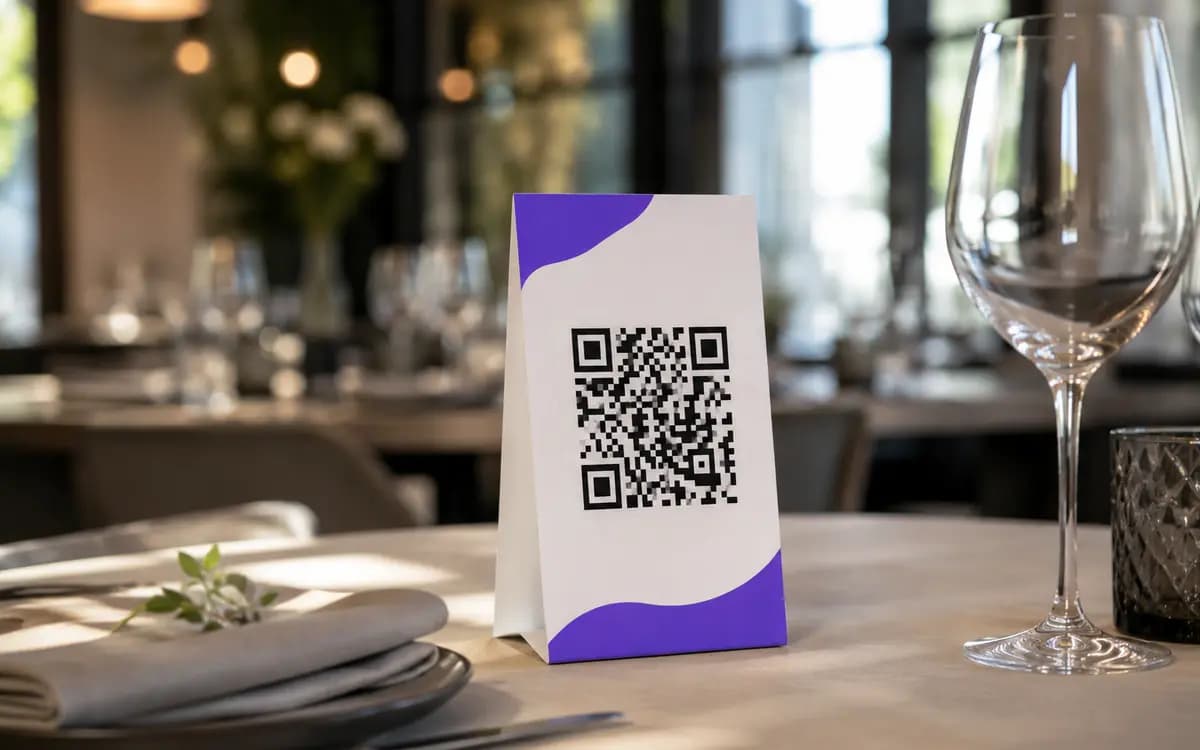 Dine-in
Table tents and stickers
One code per table, or one for the whole room. Guests have the menu open before the waiter gets there, orders land faster, and when the specials rotate you swap the file, not the tents.
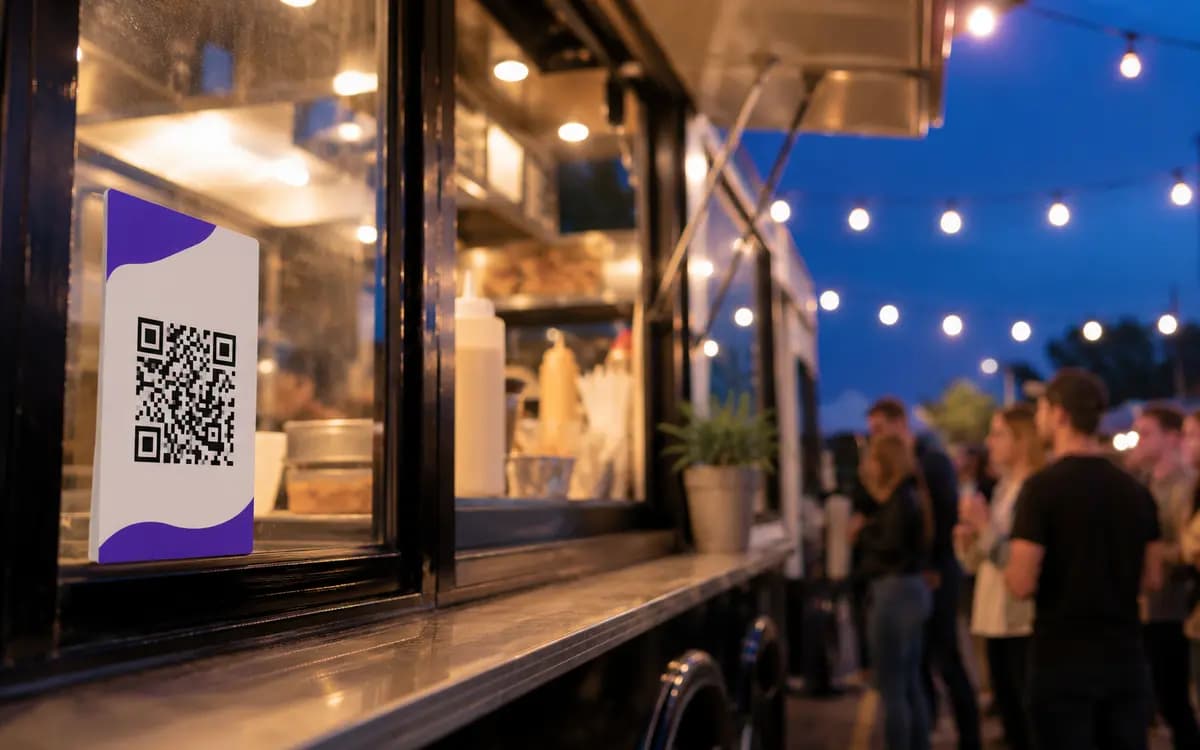 Street food
Food trucks and pickup windows
The queue reads while it waits. A code at the window turns waiting time into deciding time, and unlike a chalkboard it stays readable after dark and in the rain.
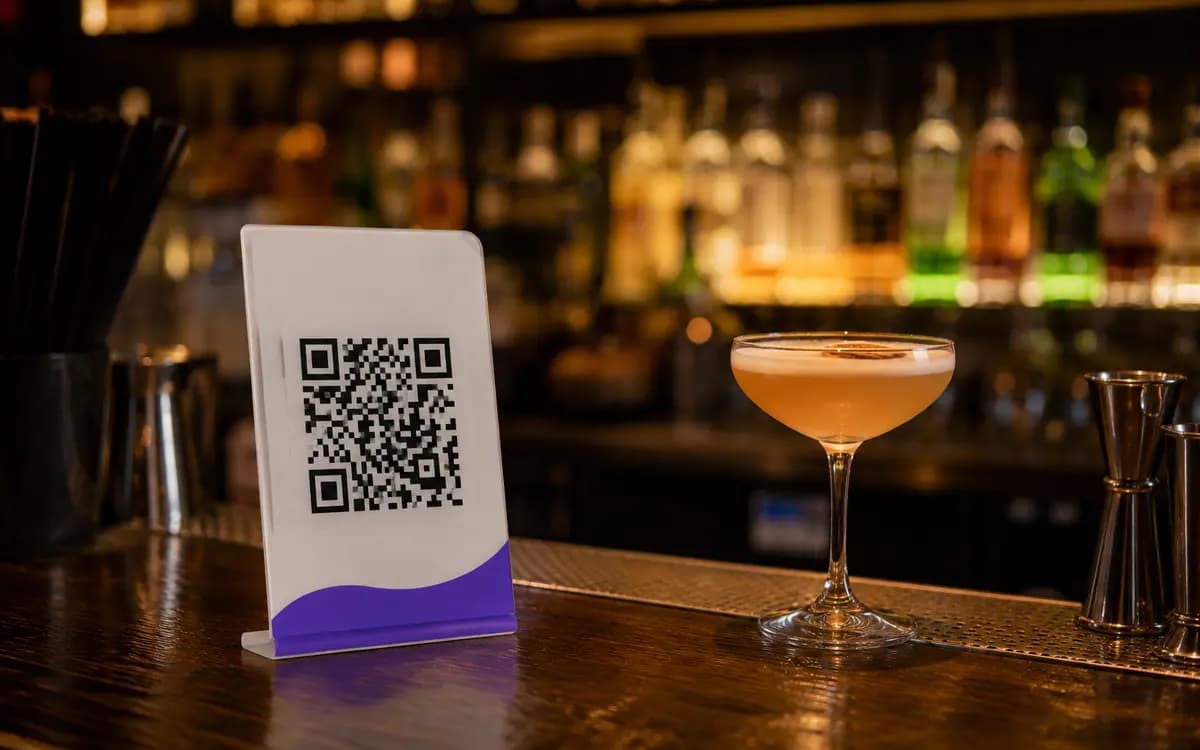 Bars and cafes
Counters and seasonal lists
Print the cocktail list once and keep a second code for the seasonal insert. Two small squares on the counter beat a laminated trifold that nobody ever wipes down.
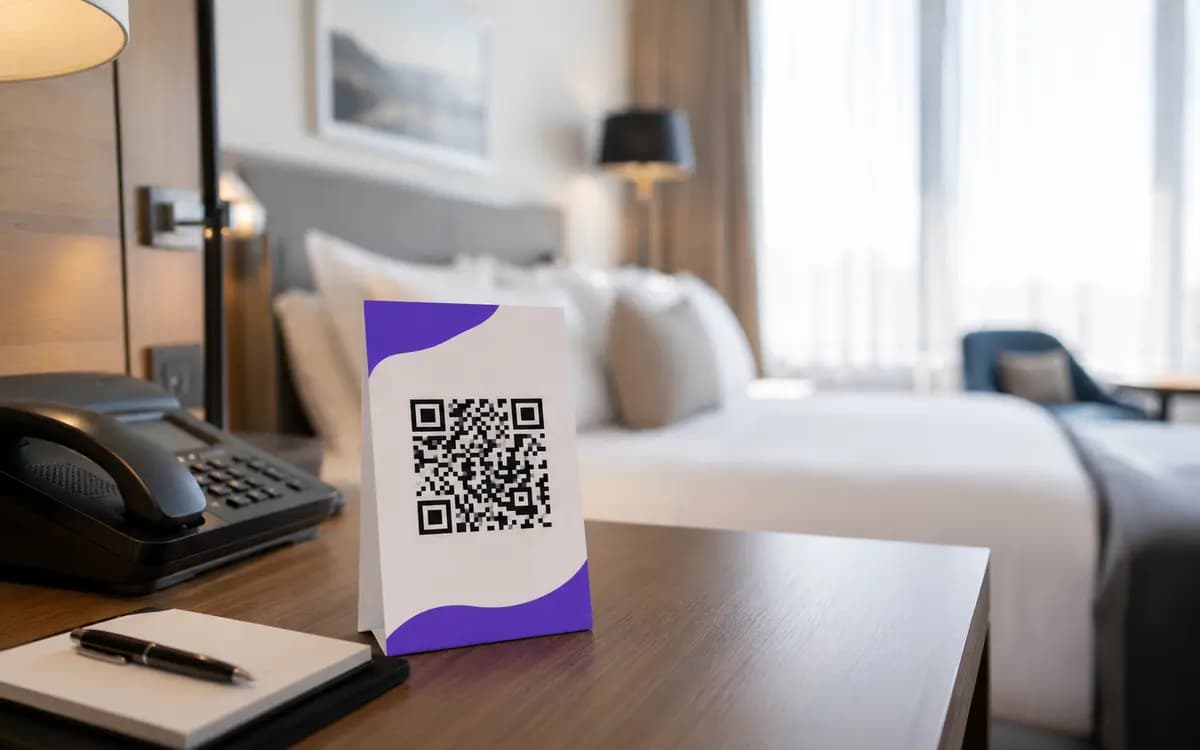 Hotels
Room service without leaflets
Room service menus date fast. A code on the desk card opens whatever PDF is current, and housekeeping never has to chase two hundred outdated leaflets across the floors.
When the code lets the dinner down
Almost every failure here is a print or file decision, and every one has a cheap fix.
| Symptom | Cause | Fix |
|---|---|---|
| Menu takes forever to open | The file is a 12 MB phone photo or a scan of a scan | Re-export as a compact PDF; a text menu should sit well under 2 MB |
| Scans up close but not from a chair | The code is printed too small for the distance | Size it at one tenth of the scan distance and reprint |
| Works at lunch, fails at dinner | Glossy lamination glares under evening spot lighting | Use a matte sleeve or matte print, and keep a white quiet zone around the code |
| Guests reach an outdated menu | The code still points at last month's file | Replace the file in the dashboard; every printed code picks up the new one instantly |
| Camera does not react at all | Low contrast: brand beige on cream looked fine in the mockup | Keep dark modules on a light background; the live checker flags weak contrast |
Change the menu, keep the code
The link inside the printed square is permanent; the file behind it is yours to change. When the menu does, open the dashboard, hit Replace file and upload the new PDF. Every code already standing on your tables opens the new version on the very next scan.
Which reverses the usual printing advice: laminate it, screw it to the wall, order the expensive acrylic stands. The paper is no longer the thing that goes stale. And if a code is already out there pointing at the wrong thing, here is when a printed code can still be saved.
Same printed code on every table, now opening the May menu.
Before you print: common questions
Do guests need an app to open the menu?
Should I upload a PDF or a photo?
How large can the file be?
Can I see how many people open the menu?
What happens when the menu changes?
Does it work for a wine list or a multi page menu?
Put the menu on the table tonight.
Upload the file, frame the code, print it for the distance. Free, no account, no watermark.
Open the menu generator