
A website QR code that reports back.
Paste a link, print the square, and know what happened next. Every scan is logged with the time, device and country, so the poster on the wall finally answers for itself.
- Works with any link
- Every scan logged
- No signup
A form, a map pin, a video, your homepage - any address a browser can open.
Colors, logo and frame on the next step.
Free, no signup.
What 47,000 codes point at
Aggregate destinations behind the website QR codes made here, mid 2026. Four groups dominate.
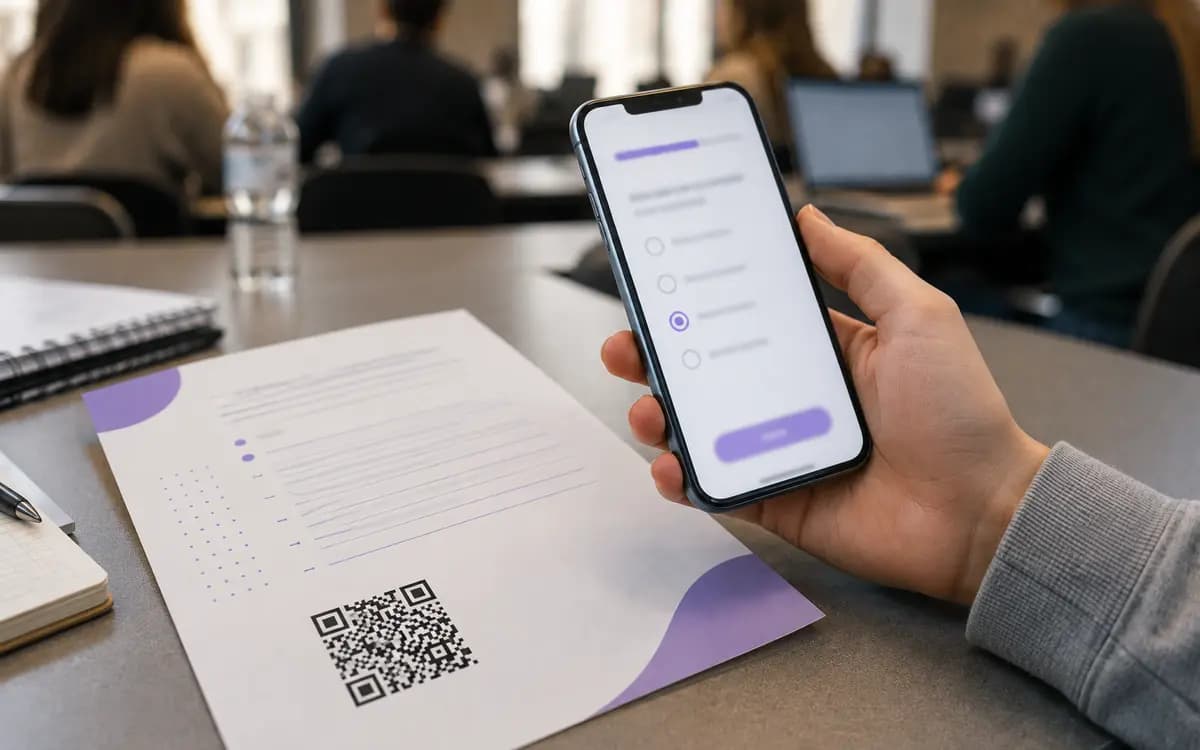 Forms
FormsForms, surveys and sign-ups
The most common destination on this platform, by a wide margin. A code on the worksheet collects quiz answers, one on the seminar slide collects course feedback, one on the event poster collects registrations. People fill forms when the form is one scan away, and skip them when it is a typed address.
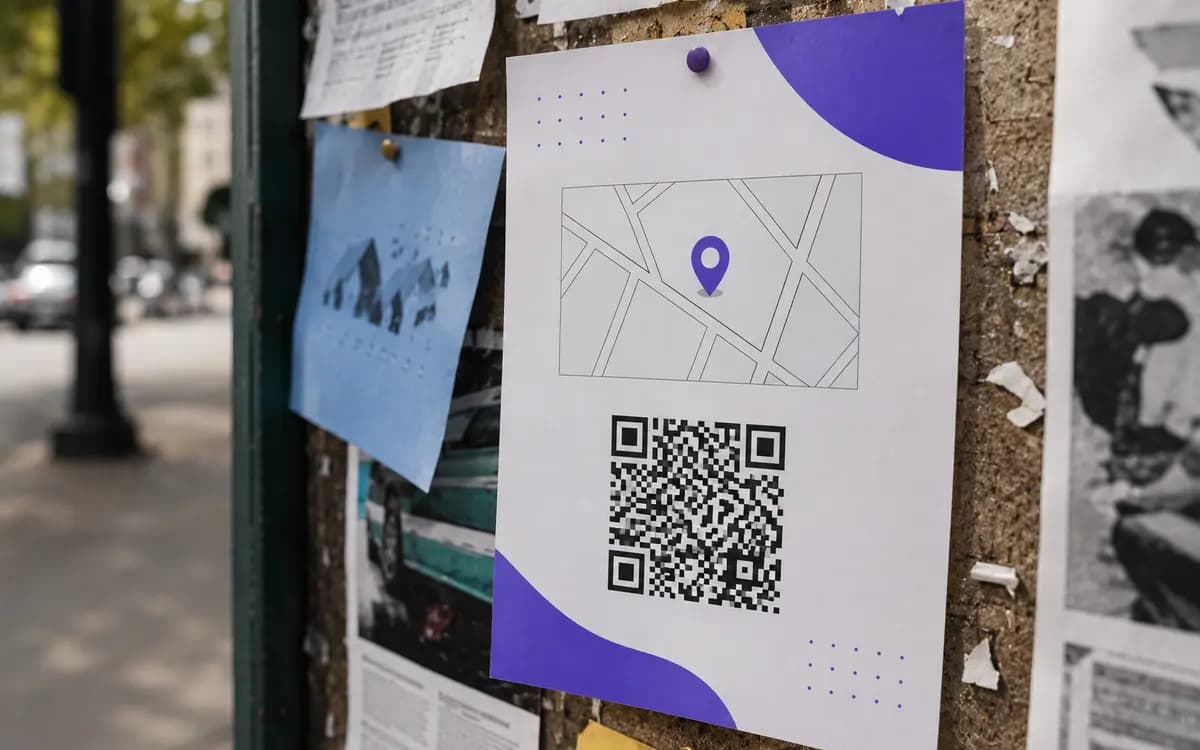 Maps
MapsThe pin that walks people in
Thousands of codes here end at a map link. On a business card, a flyer or a booking confirmation, the scan opens navigation with the route already drawn - no address to copy into the app.
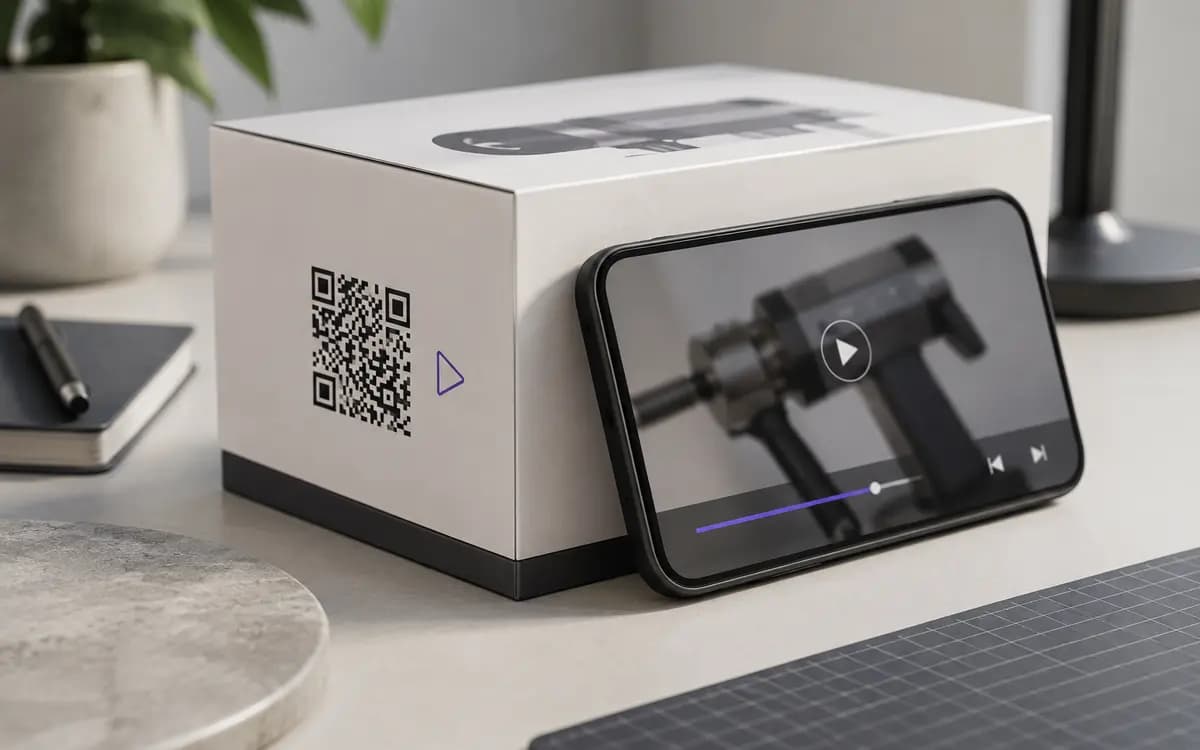 Video
VideoVideos where reading is too slow
A how-to on the packaging, a demo reel on the trade-show stand, a class recording on the worksheet. The code takes the viewer to the exact video instead of a search box full of lookalikes.
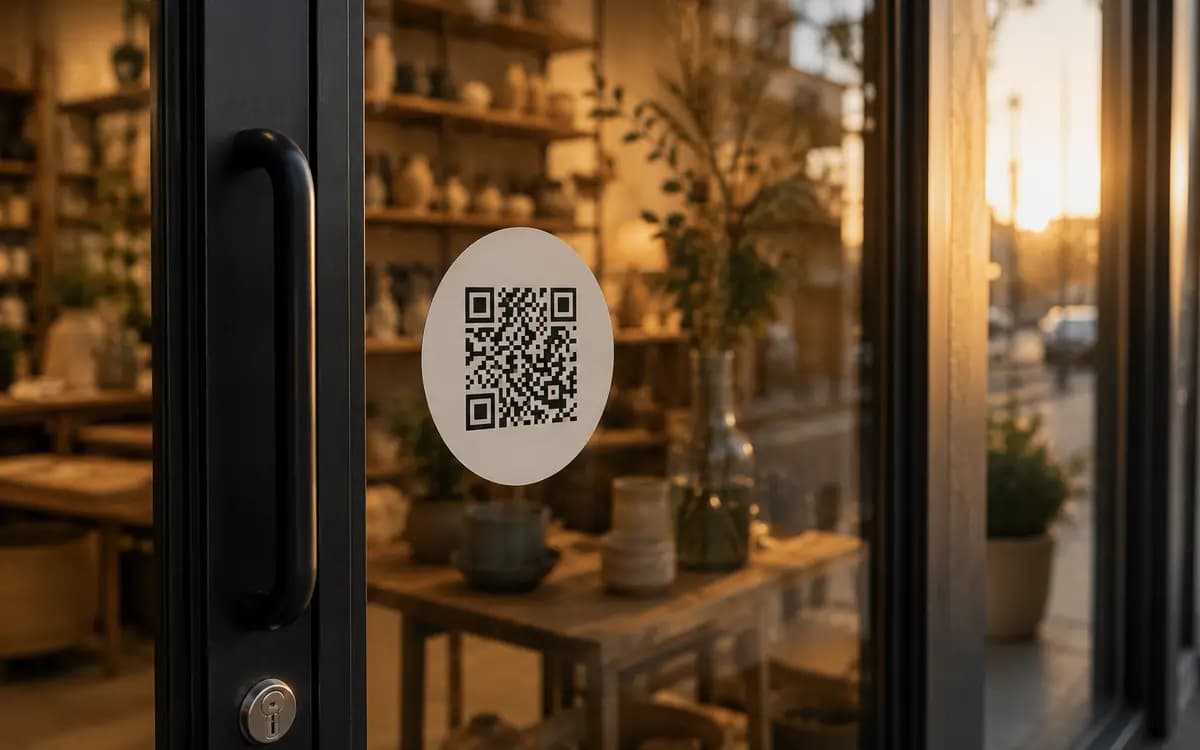 Pages
PagesThe classic: your site on paper
Storefront window to homepage, portfolio card to portfolio, one-page site for a weekend market stall. The oldest use of a QR code, and still the backbone of the whole category.
See every scan: when, where, on what
A website QR code here carries a managed short link, and the scan passes through it. That single fact is what turns paper into a channel you can measure.
Scans, last 14 days
312 totalSaturday spikes: the window sticker works weekends.
Devices
OS and browser split included.
Top countries
Each scan lands on the timeline with its device, operating system, browser and country. Hang two codes in two spots, compare their curves for a week, and the argument about where the poster should go ends with numbers instead of opinions. What scan analytics can tell you walks through each report.
What it does not do: identify people. There is no name, no profile, no cross-site tracking - just the scan event and its coarse context. Enough to judge the print, nothing to make a lawyer nervous. The full dashboard comes with a free account.
Built around one job: links in print
Any URL is fair game
Forms, map pins, playlists, booking pages, a PDF on your own server. If a browser opens it, the code carries it.
The destination stays editable
Point the printed code at a new page from the dashboard - a site redesign or a moved page never kills the print. Works for codes saved in a free account.
No expiry, no scan limit
The link inside the code is permanent and every scan is free. A code printed today keeps resolving years from now.
Styling that keeps scanning
Logo, brand colors, module and corner shapes, caption frames. The built-in checker flags any styling that starts to cost reliability.
Files for any print shop
PNG, SVG, 300 DPI PDF and WEBP. Download one, grab all of them as a ZIP, or email the full set to yourself.
Free without a catch
Creating and downloading needs no account and adds no watermark. An account is only there for editing the destination and reading the stats.
Link to lamppost in four moves
- 1
Paste the link
Any address a browser can open. We wrap it in a permanent address we manage.
- 2
Make it yours
Logo, colors, a frame with a caption that says what the scan opens.
- 3
Scan the proof
Check the printed sample yourself before a thousand copies do.
- 4
Print and watch
Hang it up and follow scans on the dashboard timeline.
Link hygiene before the ink dries
Almost every dead code in the wild died on the URL side. Ten habits that decide it, and a full conversion tracking setup for when the basics are covered.
Do
- Use https - phones flag plain http pages as not secure right on the scan
- Send people to the exact page, not the homepage they will have to navigate
- Add UTM tags to the URL so the visit shows up attributed in your web analytics
- Check the link again after any site redesign or CMS migration
- Keep a quiet zone of clear space around the printed code
Do not
- No pages behind a login - the scan lands on a wall instead of your content
- No shortener chains: a bit.ly wrapping another redirect adds failure points
- No raw IP addresses or ports - they break the moment the server moves
- No URLs carrying session tokens or one-time parameters that expire
- No pop-up walls on the landing page - mobile visitors bounce in seconds
Asked by people about to print
Can I change where the code points after printing?
Does a Google Form behind a code work well?
Will scans show up in my Google Analytics?
What happens if my site goes down or the page moves?
Is there a limit on scans, or an expiry date?
What makes this website QR code different from a static URL code?
Give every printed link a pulse.
Paste the URL, style the square, print it where it counts. Free, no account, and the stats are waiting when you want them.
Open the website QR generator