
A Wi-Fi QR code that actually connects, not just one that looks the part.
Print one small square and guests join the network by pointing a camera at it. No typing a 14-character password, no reading it out across a noisy room. The code works offline, forever, with no server in the middle.
Case-sensitive: enter it exactly as set on your router.
Customize colors, logo and frame on the next step.
Free, no signup.
How it works, and why it stays static
Understanding this one thing saves most of the failures people run into later.
A Wi-Fi QR code is not a link. It carries the network name, the password and the security type as a short piece of plain text. When a phone camera reads it, iOS 11+ and Android 10+ recognise the format and offer to join the network natively. No app, no redirect, no round trip to any website.
The trade off is honesty: the code is static. It has no counter and no dashboard, so there is nothing to track and no scan statistics to report. If you need per scan analytics, that belongs to a dynamic website QR code, not to Wi-Fi.
# what your phone reads
WIFI:T:WPA;S:CafeCentral_Guest;
     P:latte-2026;;
Where a Wi-Fi code earns its place
Anywhere someone new keeps asking for the password.
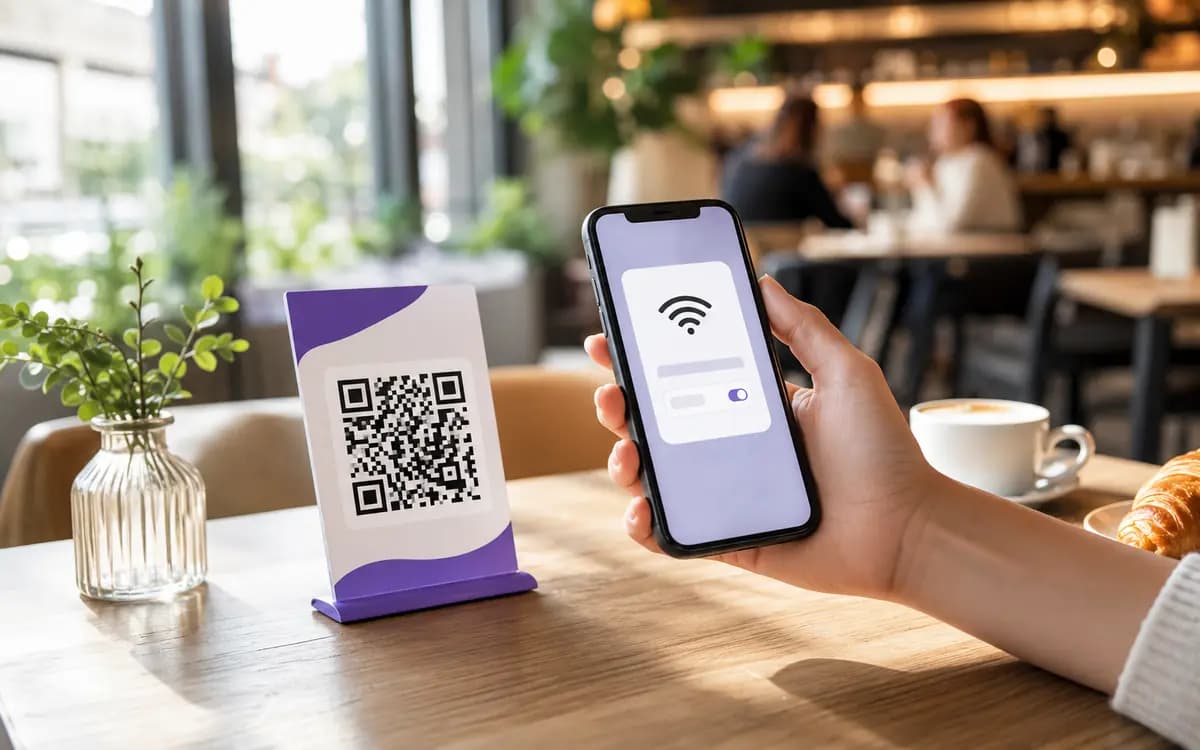
Cafes and restaurants
A sticker on the table, the wall or the receipt. Guests connect without flagging down a server, and staff stop repeating the same password forty times a shift.
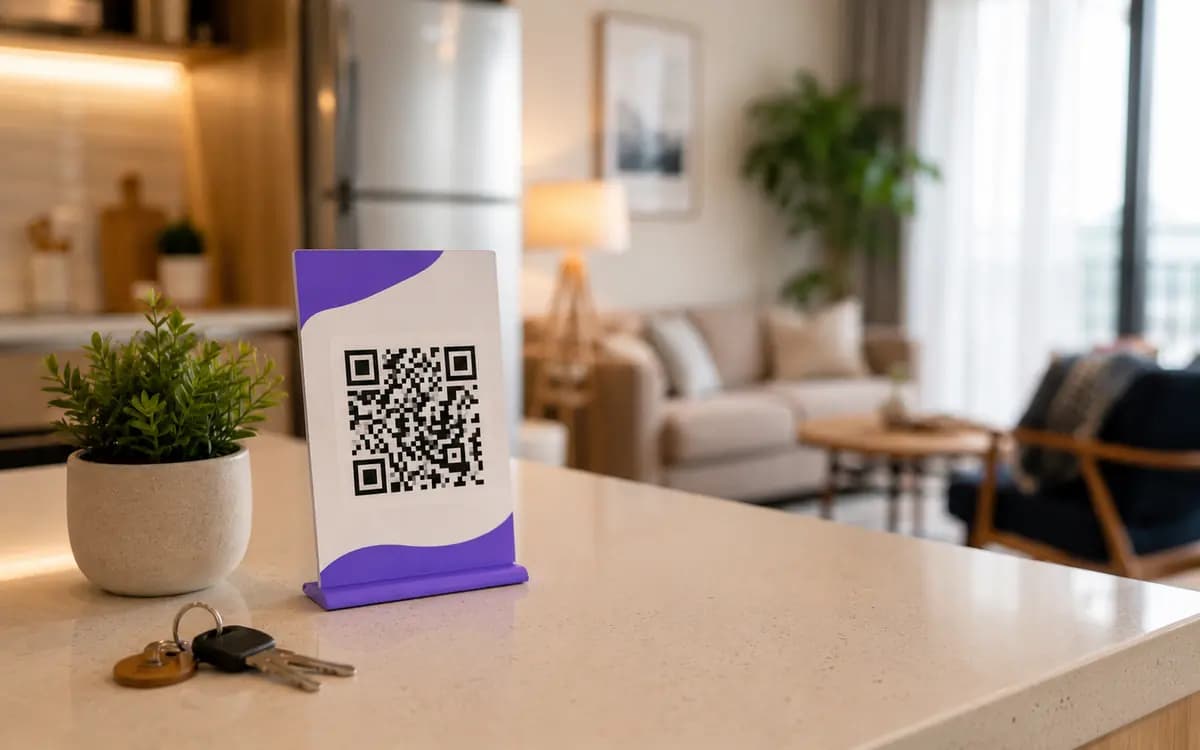
Rentals and hotels
Put it in the welcome book or by the door. Scanning is faster and far more accurate than typing a mixed case password, and guests stop messaging you at midnight for the code.
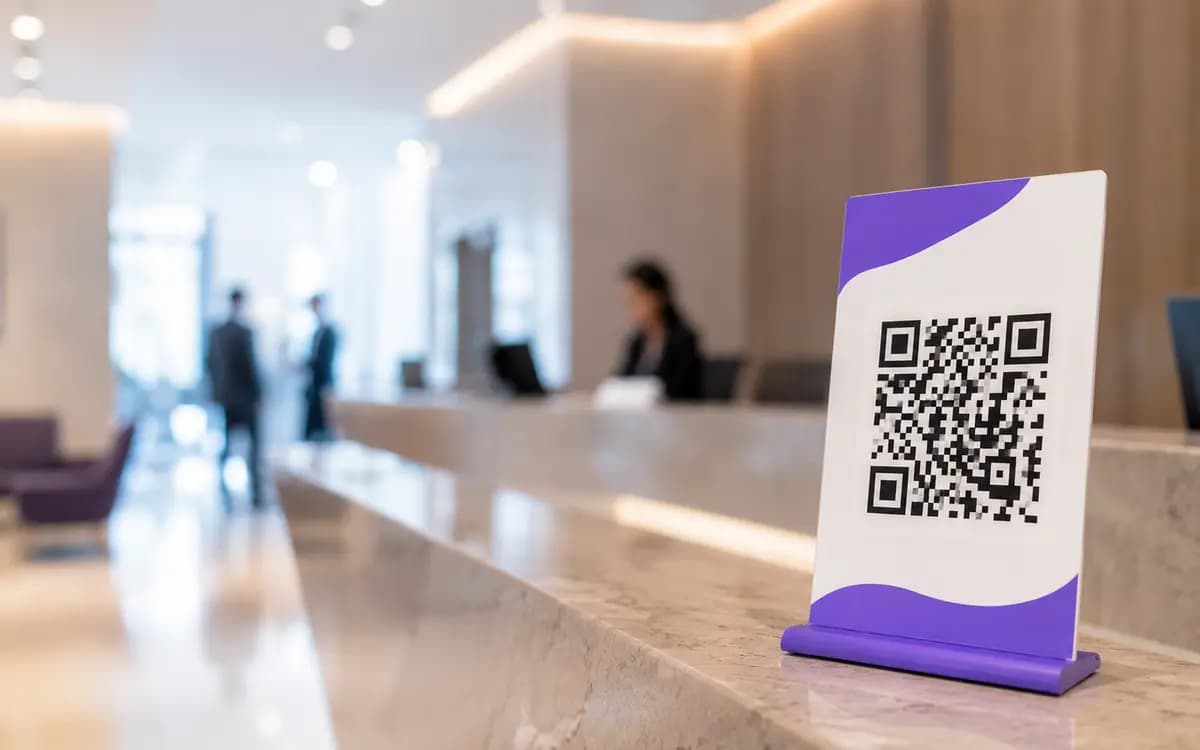
Offices and reception
Encode the guest network, not your main one. Visitors get online in seconds and never touch the private side of your infrastructure. Reception stops being a Wi-Fi help desk.
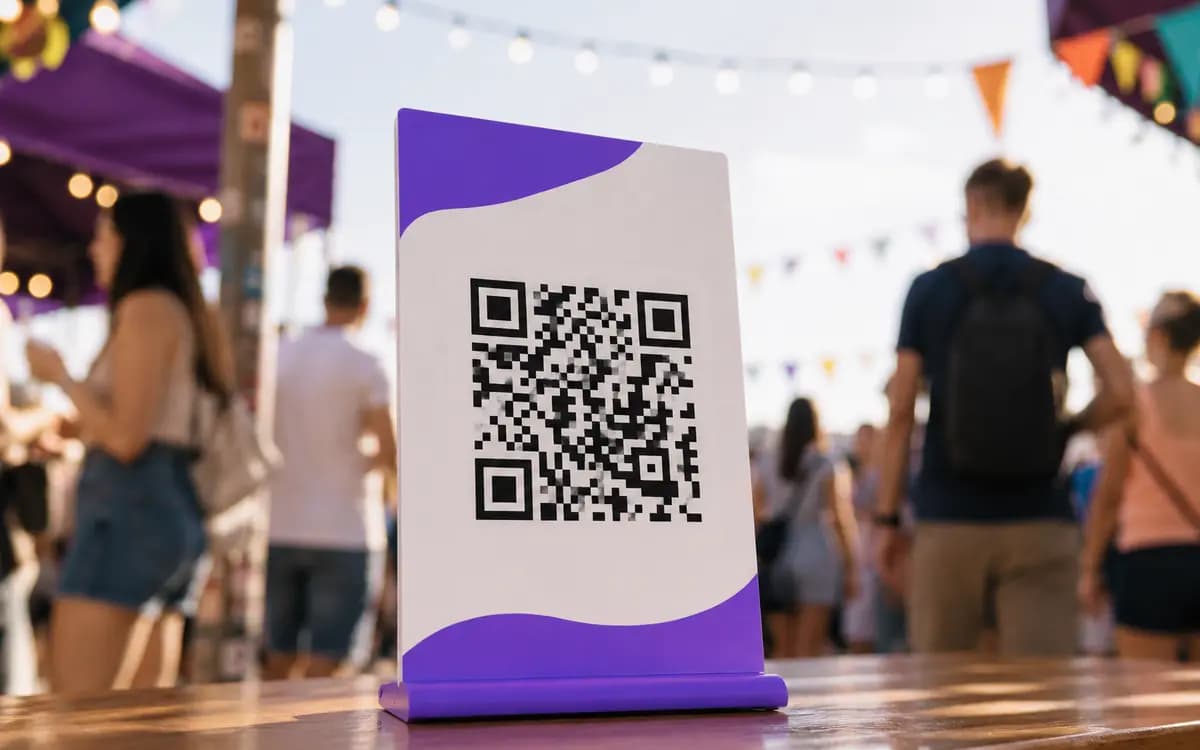
Popups and stands
Temporary space, temporary network. Print, stick, done. When the event ends the code retires with it, no cleanup required.
Built for the awkward cases, not just the happy path
Most generators handle a simple WPA2 password. The problems start everywhere else.
Every encryption type
WPA, WPA2, WPA3, WEP and open networks. We map WPA3 to the widely readable WPA form so older scanners still connect instead of failing silently.
- WPA/WPA2
- WPA3
- WEP
- Open
Hidden networks and escaping
A hidden SSID needs an explicit flag or the phone never finds it. One checkbox writes it correctly, and special characters get escaped the way the spec requires.
Live scannability check
A checker watches contrast as you design. Light on light is the classic silent killer of a print run, and it warns you before you commit ink to it.
Print ready export
PNG, SVG or a 300 DPI PDF. The vector files drop straight into signage and table tents without going soft when scaled up.
- PNG
- SVG
- PDF 300dpi
- WEBP
Your logo, colors, frame
Drop a logo in the middle, pick brand colors, wrap it in a Scan me frame. All of it, and the download, with no watermark.
No account, ever
Design it, test it, download it. We do not gate the useful part behind a signup or a trial timer.
Five steps to a code you can trust in print
Enter the SSID
Copy it straight from the router admin page. One wrong capital letter is the top reason a code fails.
Pick the security
Match your router exactly. The wrong type ends in a Cannot Join Network error.
Add the password
Case sensitive, spaces included. Hidden network? Tick the box.
Design and export
Colors, logo, frame if you want them. Grab the vector for print.
Test before you print
Scan it off your screen with one iPhone and one Android. Two clean connects means the data is right.
When it scans but will not connect
The code was almost never the problem. The data inside it was. Most common first.
| Symptom | Cause | Fix |
|---|---|---|
| Phone joins the wrong or no network | SSID typed from memory with a wrong capital or a missing space | Copy the SSID from the router admin panel and regenerate |
| Cannot join network on WPA3 | The router runs WPA3 only and the scanning phone is too old to support it | Switch the router to WPA2/WPA3 transition mode so older devices can join |
| Scans but nothing happens | A special character in the password was not escaped | Regenerate with a validated, properly escaped string |
| Phone never finds a hidden network | The hidden flag is missing from the payload | Enable Hidden network so the phone probes for the SSID |
| Worked yesterday, fails today | The Wi-Fi password changed; the printed code is now stale | Generate a new code and replace the printed one right away |
One honest word about security
People assume the QR code hides the password. It does not. The code is an encoded, not encrypted, string. Anyone with a standard scanner can read the network name and password in plain text, the same way a base64 string is readable to anyone who bothers.
The real benefit is convenience, plus not printing the password in large type on the wall. For anything public, use a guest network isolated from your private devices, keep it on WPA2 or WPA3, and rotate the password on a schedule. Our look at Wi-Fi codes in cafes, hotels and offices shows how real venues handle placement and rotation.
Do not do this
Do not tape your main network code to a shop window facing the street. Anyone walking past can decode it and is now on the same network as your point of sale. A guest network exists exactly to make that mistake harmless.
Questions people actually ask
Does it work on both iPhone and Android?
Why does my code scan but not connect?
Do I need an app to scan it?
Does it support WPA3 and hidden networks?
Is a Wi-Fi QR code secure?
What happens if I change the Wi-Fi password?
Make one that connects on the first try.
Free, no account, no watermark. Design it, test it on two phones, send it to print.
Open the Wi-Fi generator