
A PDF QR code for documents too big to print for everyone.
Upload the file once. We host it, the printed square points at it, and any phone camera opens it right in the browser. No app, no email attachment, no address to retype off the paper.
Free, no signup.
- No app to install
- Open counts
- Print ready files
Camera to page one, nothing in between
What actually happens between the paper and the screen.
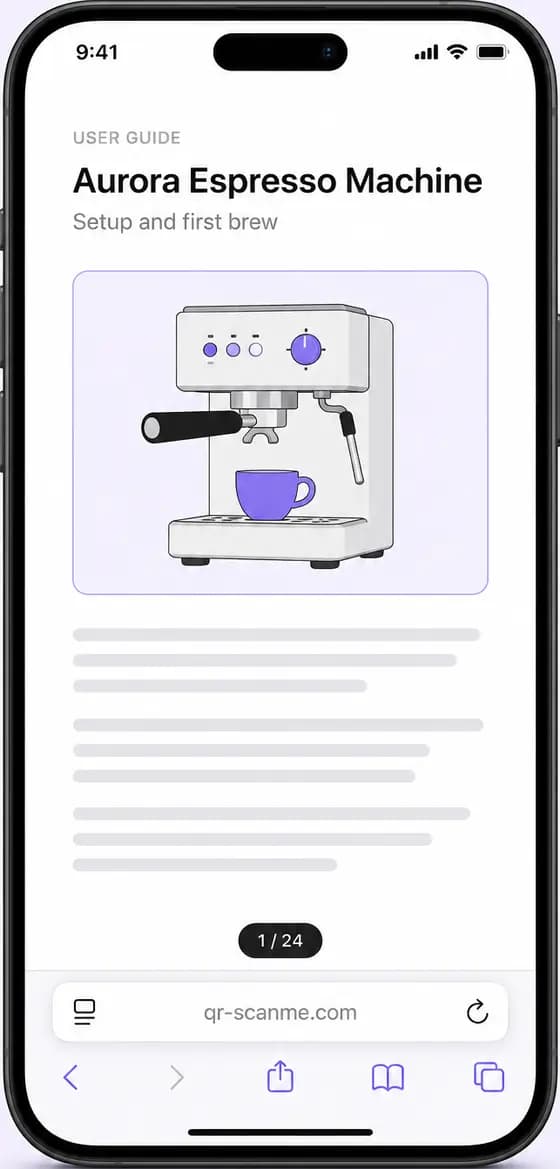
Point a camera at the square and the phone reads a short web address, a few dozen characters. That address leads to the copy of your PDF that we host, and the browser opens it on the spot. The whole trip takes about as long as unlocking the phone.
The document and the square are decoupled on purpose. Ink only ever has to hold the short address, while the pages, the photos and the file weight stay on the server. And since every open travels through that address, it can be counted.
Where a PDF code beats the printout
Four surfaces where one small square replaces a stack of paper - and trims the printing bill while at it.
The manual that stays in the box
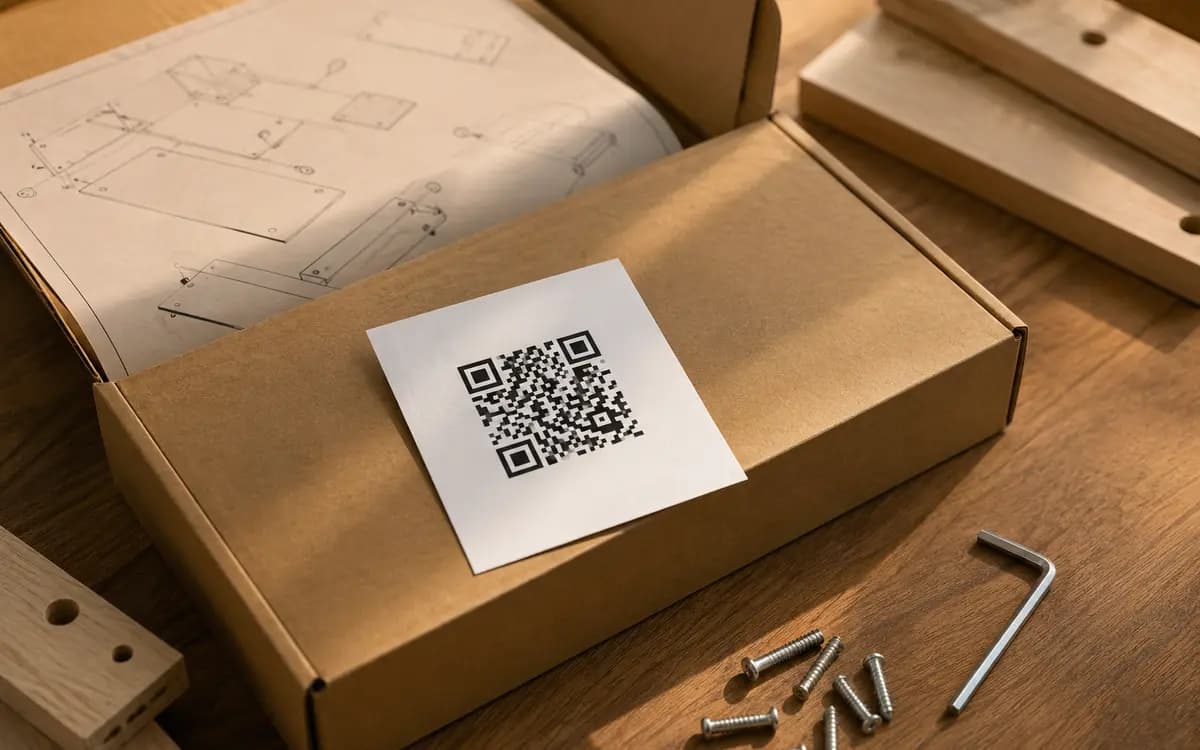
A printed card with a code instead of a 60 page booklet. The full assembly guide, torque values and all, opens on the phone right at the workbench. The box gets lighter, the translations all fit, and nobody loses page nine.
Price lists that reps hand out
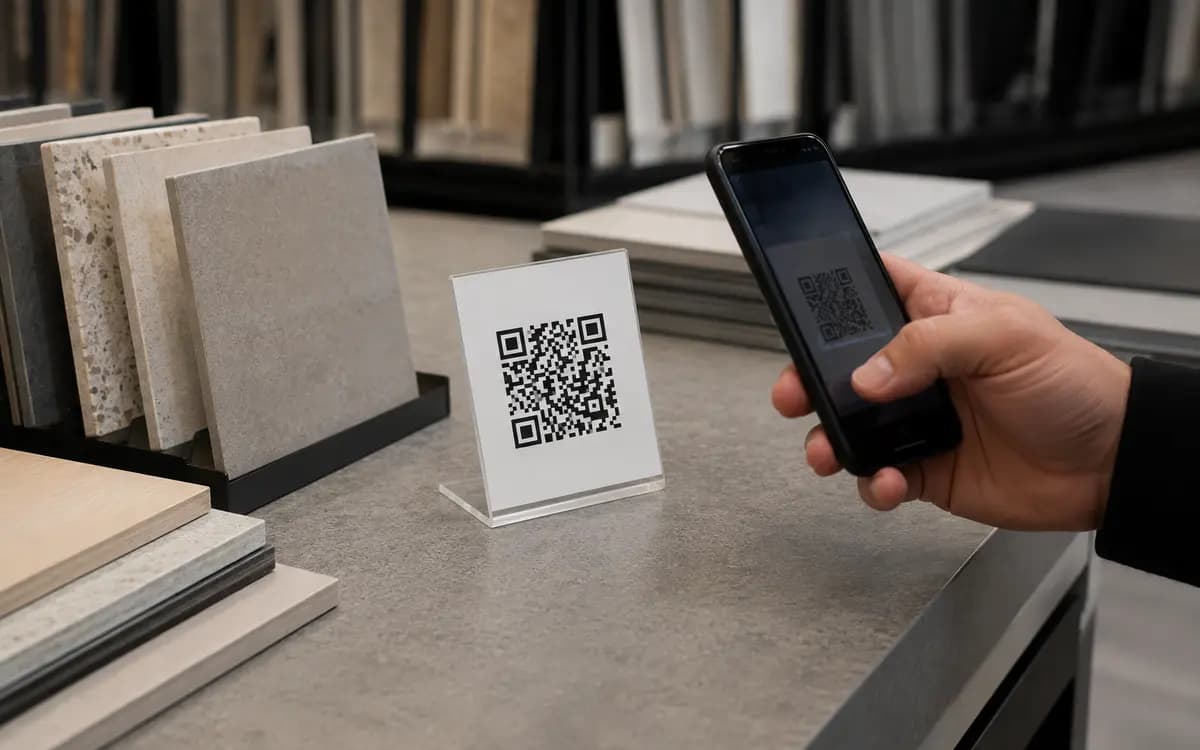
The rep leaves a business card, not a binder. One code on it opens the current wholesale catalog, and the buyer scrolls it in the showroom, in the car, or a week later when the budget clears.
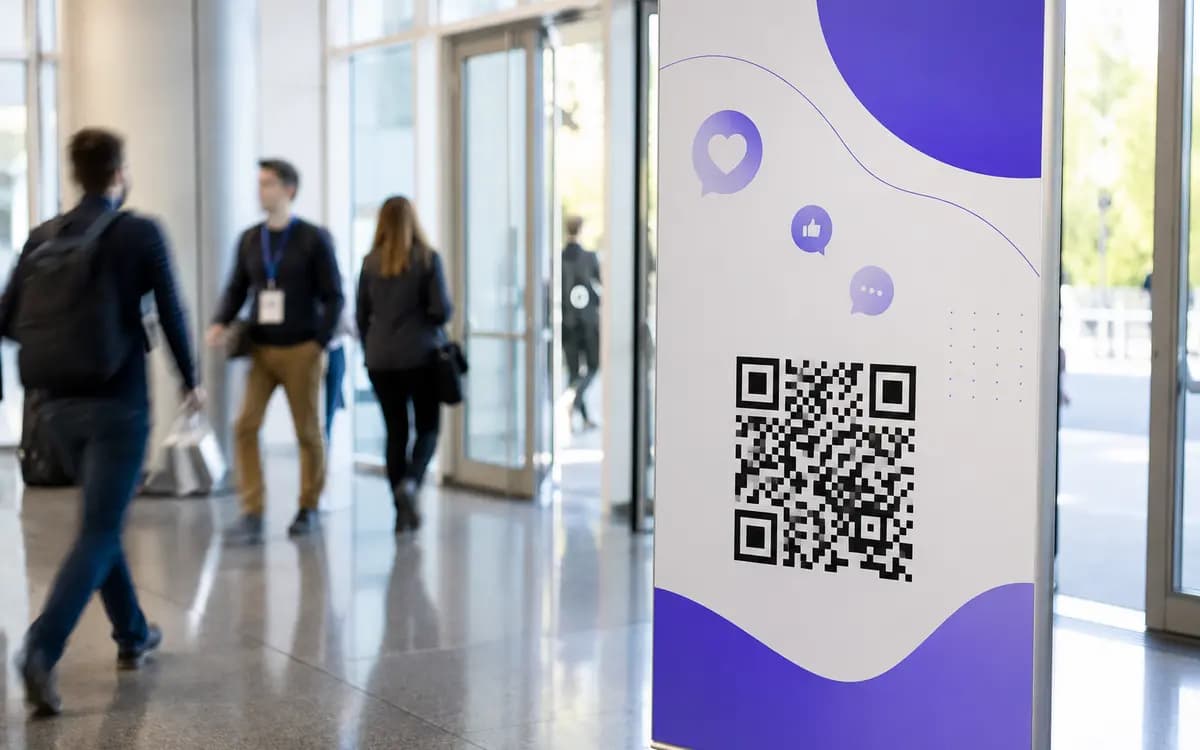
Programs without the paper mountain
One poster at the entrance opens the full schedule with abstracts, speaker bios and room maps. Printing that for eight hundred attendees would cost more than the coffee break.
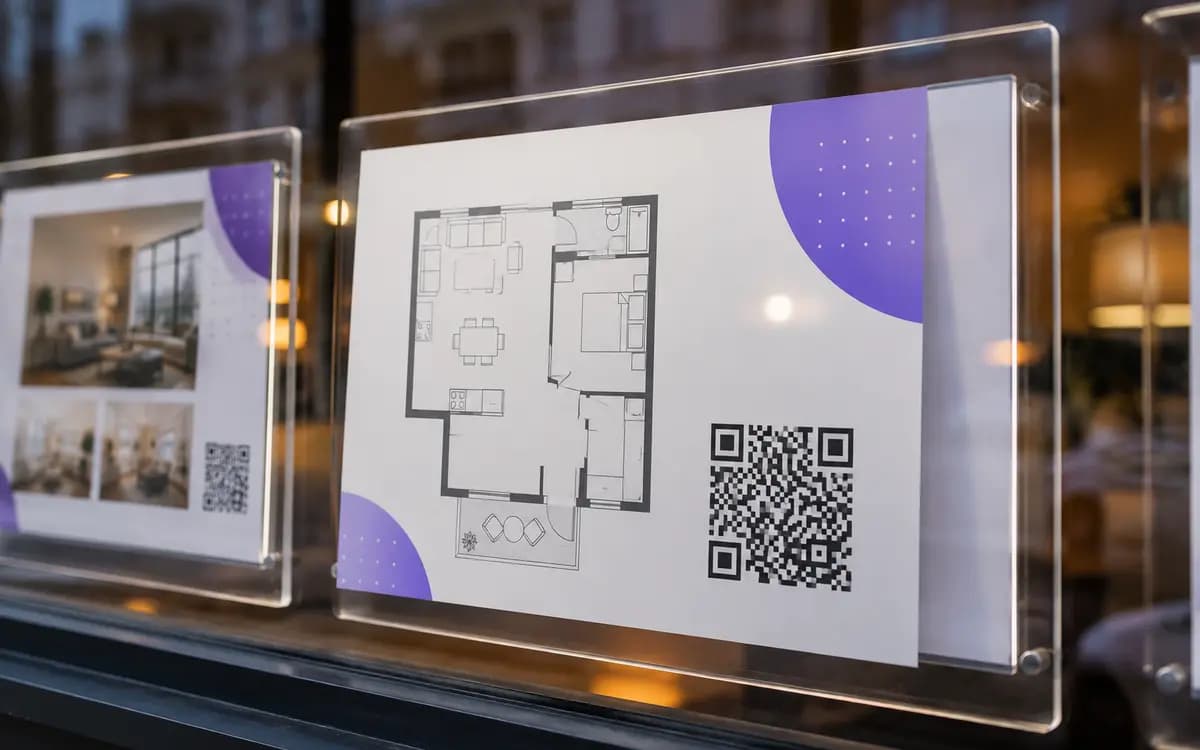
The one-pager in the window
A viewing card in the window opens the full exposure: floor plan, measurements, energy certificate. The passer-by takes the whole dossier home on the phone instead of photographing a sun-bleached printout.
Five decisions before you print
Most of the work is the file itself. The code takes a minute. For sizing beyond the basics, see how large a PDF code should be in print.
- 1
Save it portrait, one column
The reader gets a phone, not a desk. A single column at 12 pt or larger reads without pinching; a two column A4 does not.
- 2
Watch the weight
Under 2 MB opens instantly on cellular. Export images at 150 dpi; on a six inch screen nobody can tell the difference from 300.
- 3
Upload and take the code
Drop the PDF in the generator. We host the file and the code is ready the same second, no account asked.
- 4
Make the square say what it opens
A caption frame reading Scan for the manual tells people why to bother. Logo and brand colors on top; the live checker keeps it scannable.
- 5
Prove it, then print
Scan the printed proof with an iPhone and any Android, on mobile data. If both open the file fast, approve the run at the size the viewing distance demands.
The spec sheet
Everything the code ships with, in one place.
- File
- One PDF per code, up to 30 MB. That covers a 40 page manual with photos, with room to spare.
- Hosting
- The document lives on our storage at a permanent address. No website or file server needed on your side.
- Reader side
- The file opens in the browser viewer. Nothing to install; scrolling and zoom behave like any web page.
- Counting
- Every scan lands on a counter. A free account unfolds it into a timeline with device and country columns.
- New versions
- Swap the PDF in the dashboard and the printed code stays valid. Works for codes saved in a free account.
- Styling
- Logo in the center, brand colors, 26 module shapes, printable frames with an editable caption band.
- Print files
- PNG for screens, SVG and 300 DPI PDF for the press, WEBP for the web. One ZIP or one email carries them all.
Will it read on a six inch screen?
The weak point of a PDF code is rarely the code. It is a document designed for office paper.
- Portrait beats landscape. Phones are held upright, and a sideways page starts life half zoomed out.
- A photographed page is not a PDF. It weighs ten times more, blurs on zoom, and cannot be searched. Export from the source file.
- Keep the links inside the document tappable. Someone who just scanned a code will tap; nobody retypes.
- Dark text on a light background survives both the screen and the eventual office print.
Checked before the upload
Does the code open the PDF or download it?
My PDF is 25 MB. Will the code handle it?
Can I replace the document after the code is printed?
Who can open the file?
How do I know whether anyone reads it?
Can one code point at several documents?
Put the whole document one scan away.
Upload the PDF, brand the code, send the card to print. Free, no signup, and the export carries no watermark.
Open the PDF generator